
Custom builds
Is your work too particular for anything off the shelf?
Then we build the app around it. We learn how the work moves first, from the notebook to the spreadsheet to the texts, and design every screen from that.
- You own the code and the data
- A fixed price in writing before any work
- 30 days of free fixes after launch
Where it starts
What do you bring, and what do you get back?
A custom build starts from what you already use. We learn how it works, then build the app around it.
Before
The notebook by the phone
After
A screen everyone can open
Every job, call or order in one list, on a phone or at the desk, searchable by name.
Before
The spreadsheet one person understands
After
A form that checks itself
Required fields, sensible limits and no formulas to break. Mistakes are caught when they're typed.
Before
Updates chased by email and text
After
Stages and reminders
Each job moves through your stages, and the app nudges the next person instead of you.
Before
The report built by hand every Friday
After
The report that's already there
The numbers you add up each week, on a screen that stays current.
Working demos
What have we built from scratch?
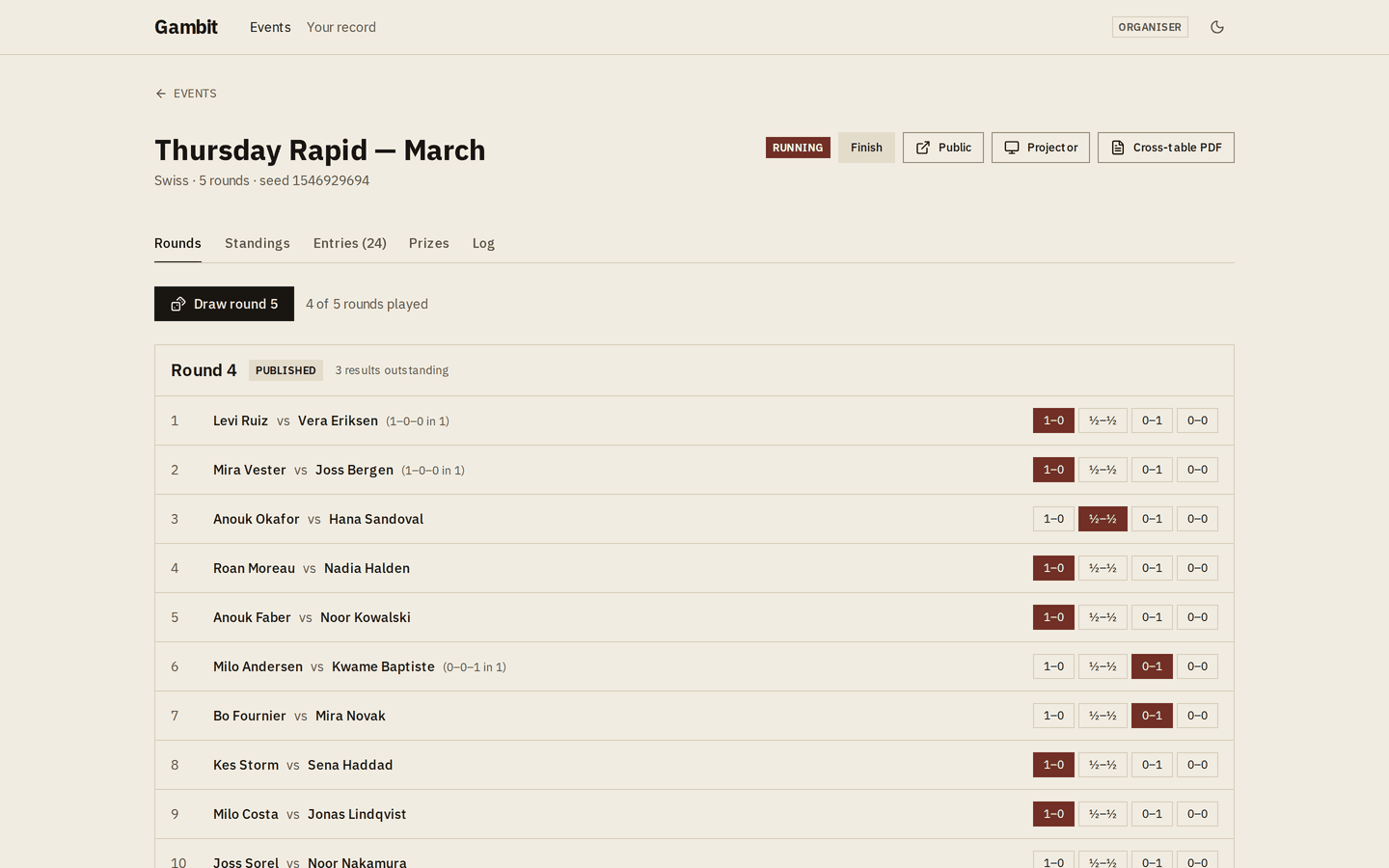
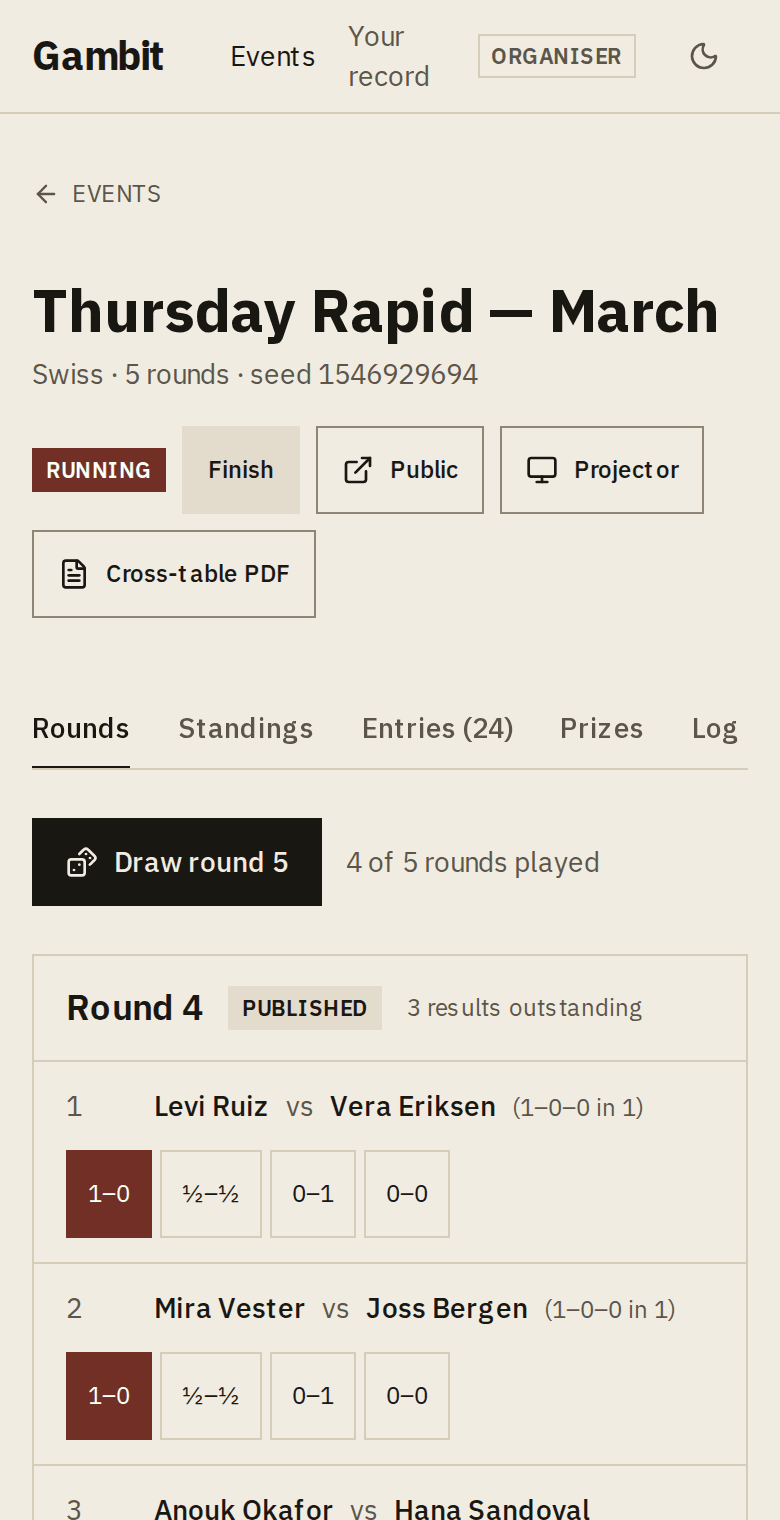
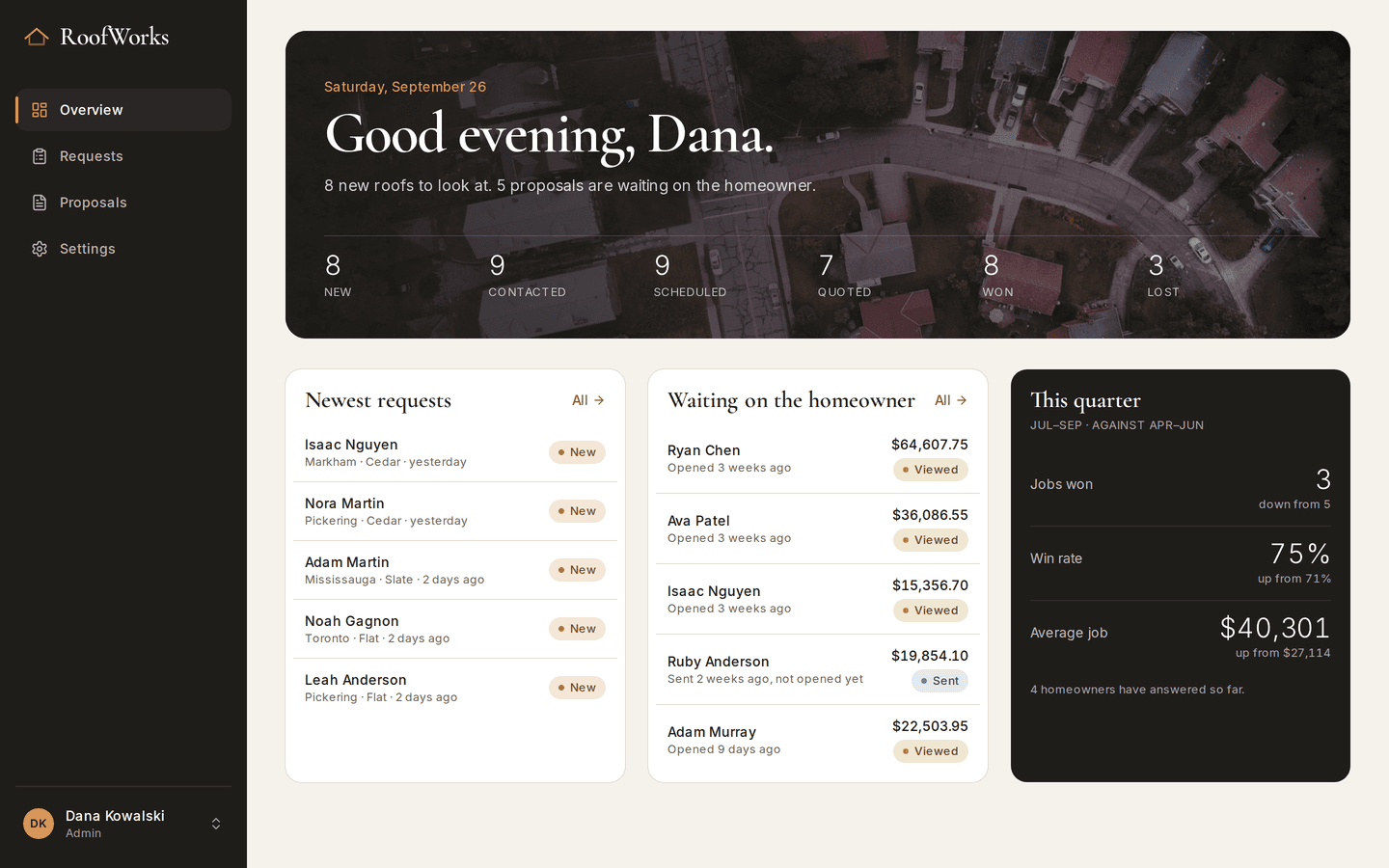
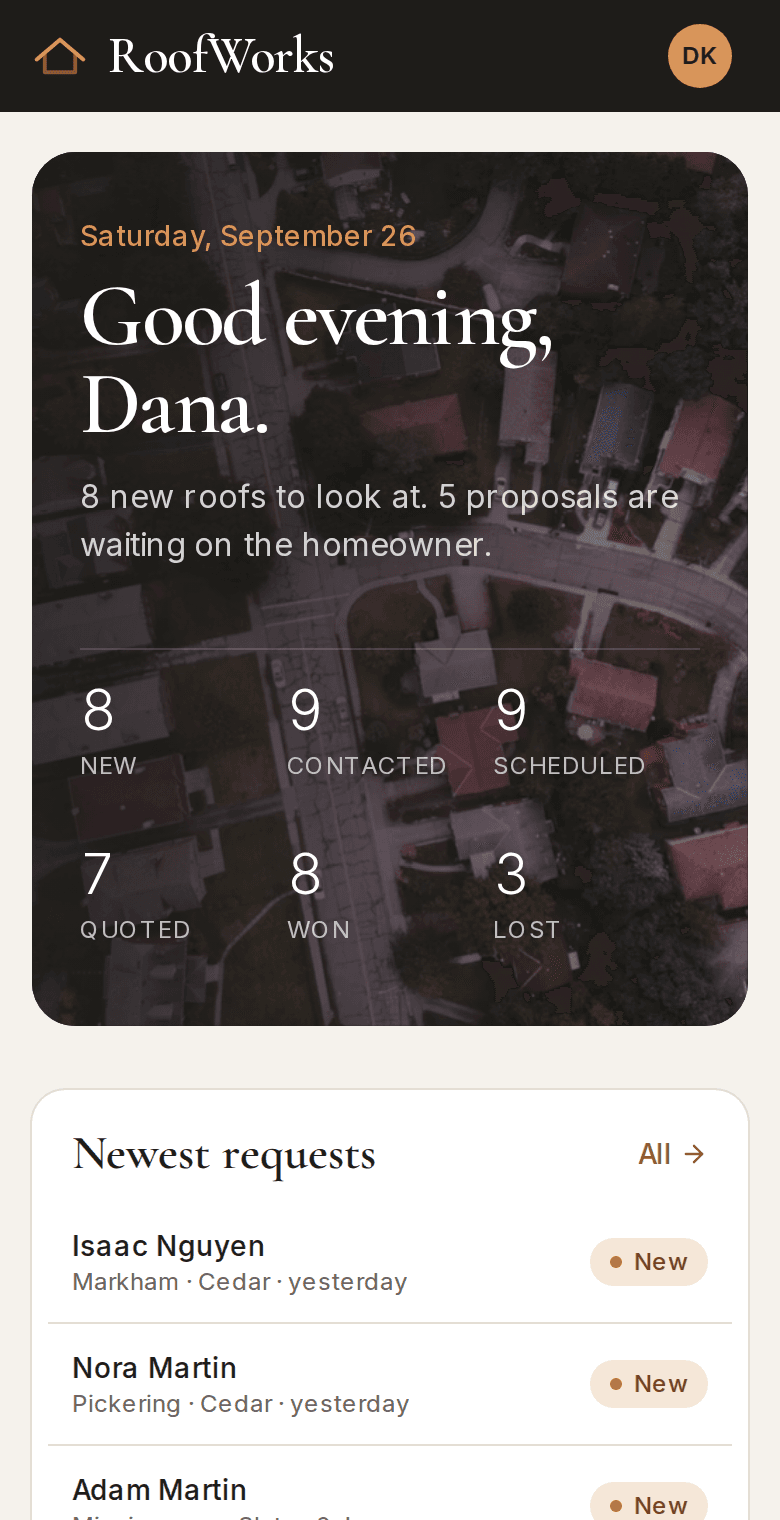
These demos started as a blank page. Each one works the way its trade does, from tournament tiebreaks to roofing estimates.
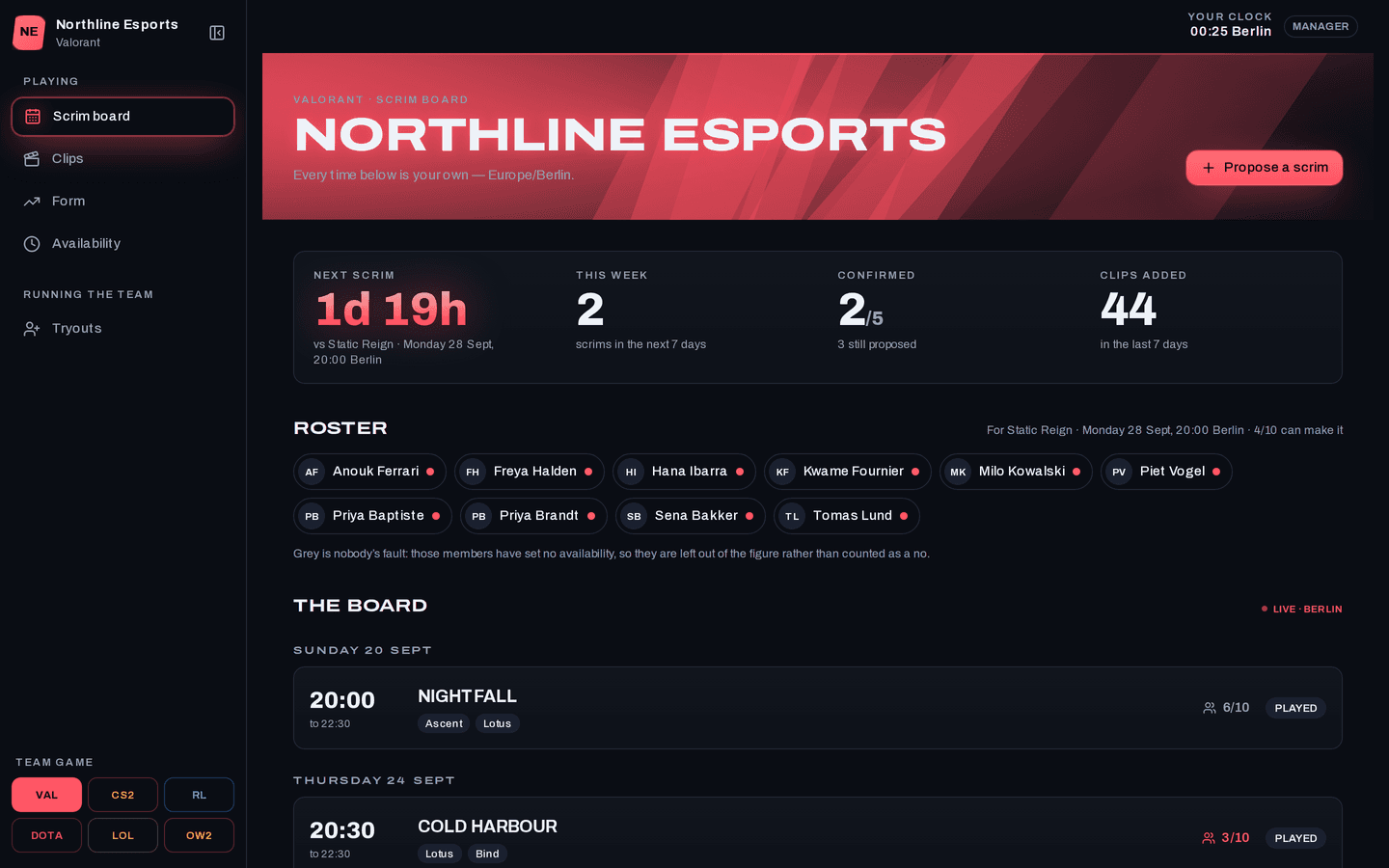
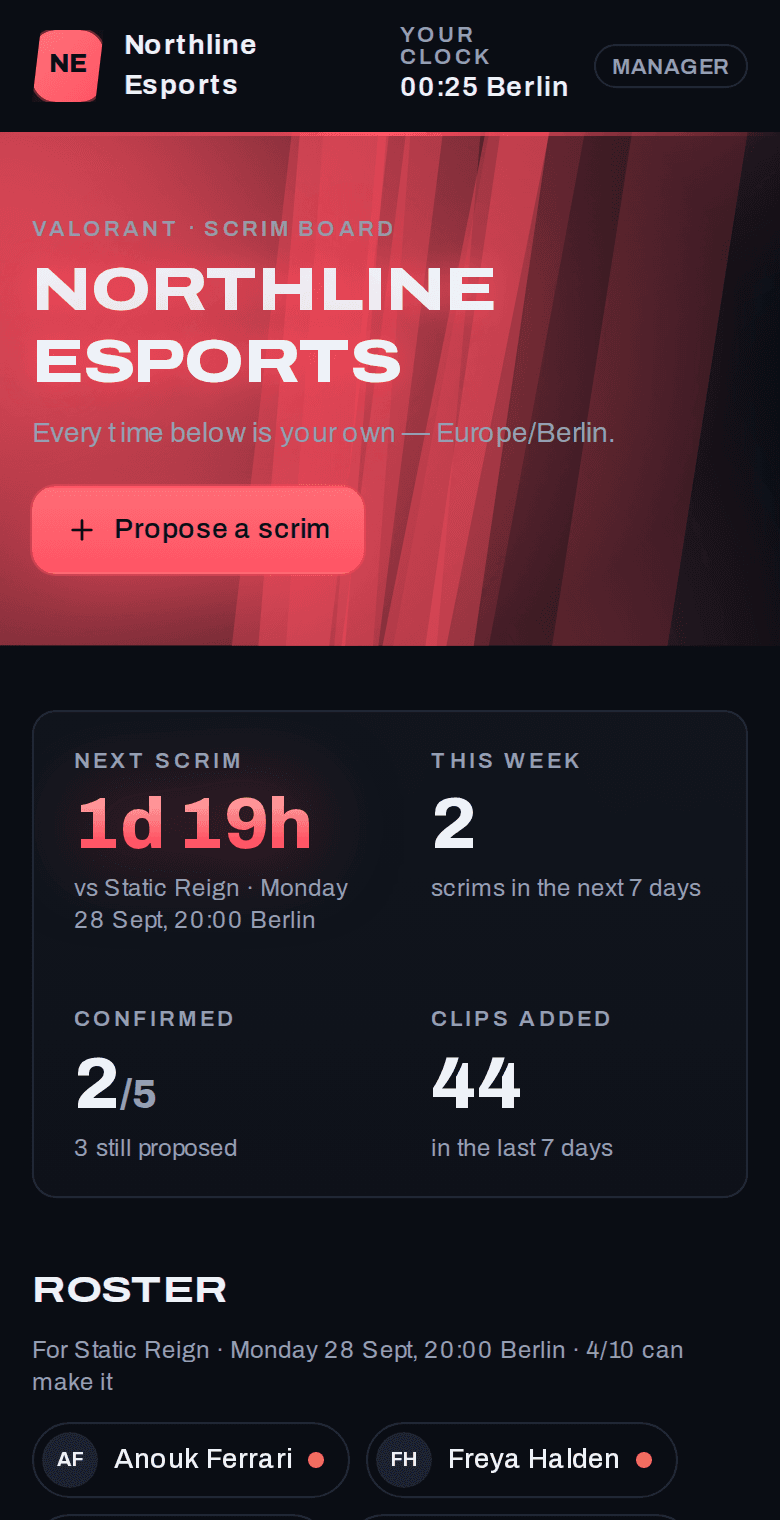
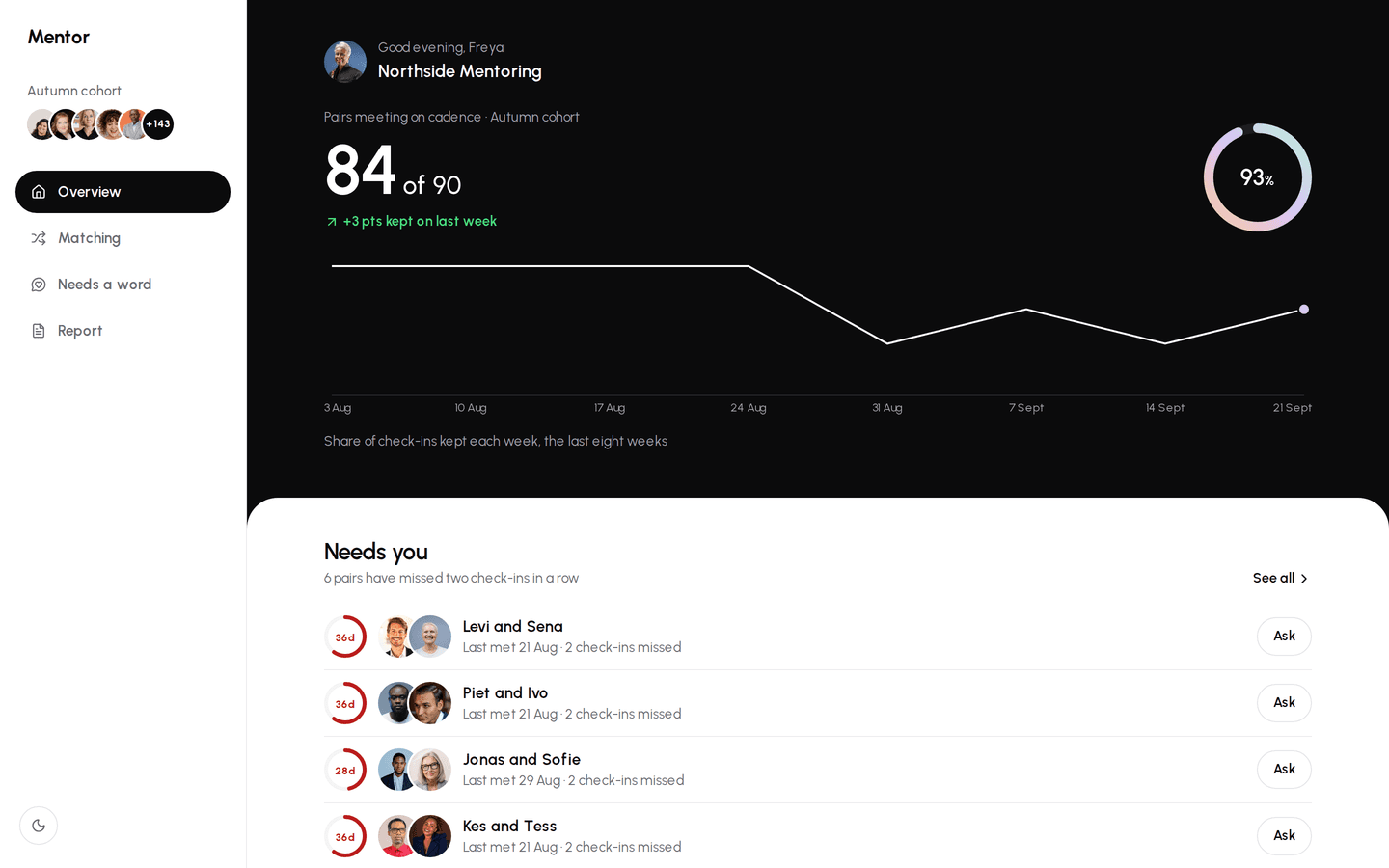
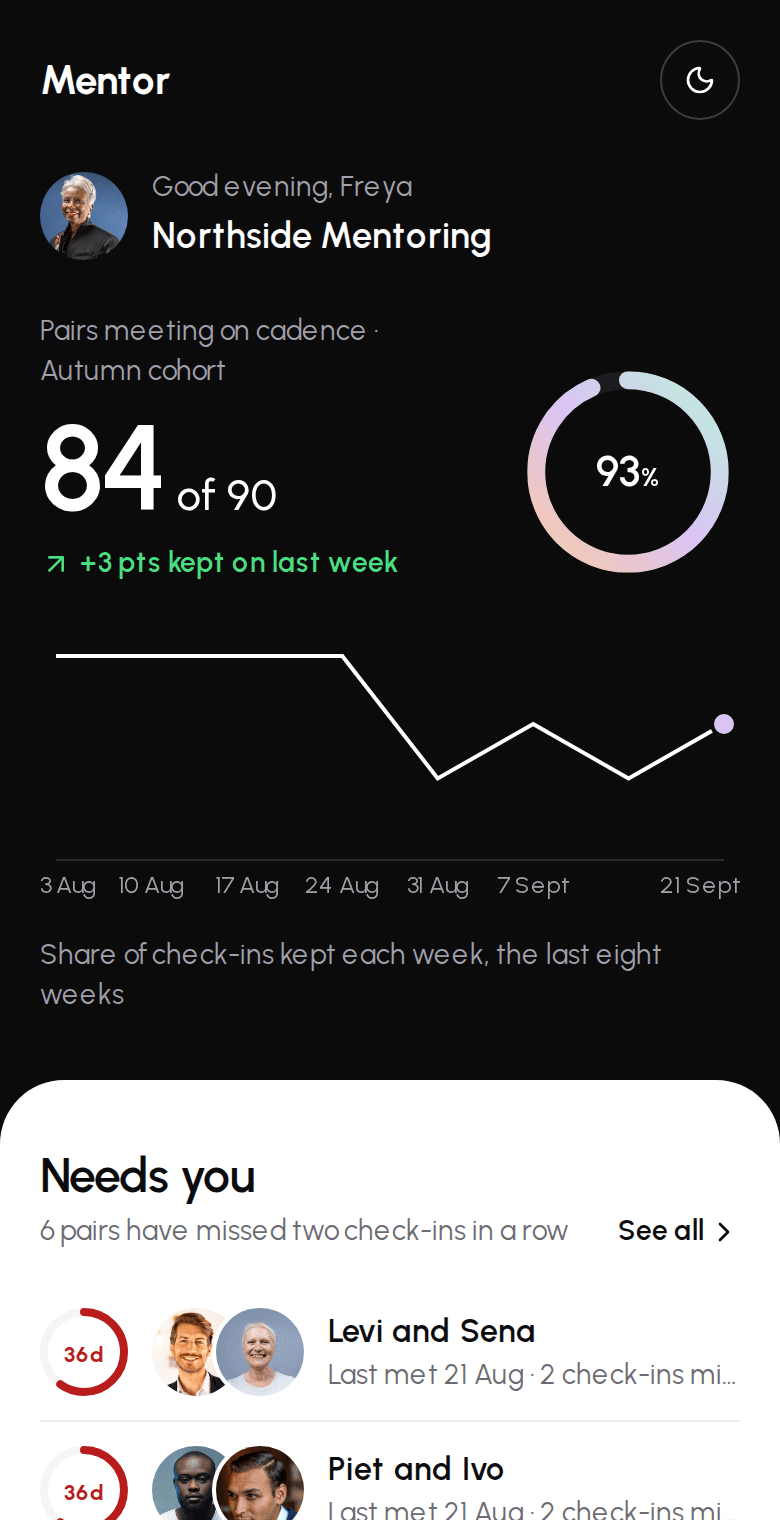
Straight answer
When is custom the wrong choice?
One of the demos already covers most of it
Then changing that demo is quicker and costs less than starting over.
Adapted buildsSoftware you already pay for works well
Keep it. We would connect to it and build only the part that lives in a spreadsheet today.
The process is still changing every week
Settle it on paper first. An app fixes a process in place, and a moving one is expensive to chase.
If any of these is you, we'll say so on the first call.
Connections
Can it connect to the software we already use?
Yes, to as many services as you need. Each connection is quoted on its own by how much it does: a link or an embed is quick, and a full two-way sync takes longer.
Level 1
Drop-in
A link, an embed or one message sent when one thing happens.
With Stripe: A payment link for one product.
Level 2
Connect
Sign in to the other service and send or fetch one kind of record.
With Stripe: A checkout page for each invoice, with a receipt.
Level 3
Stay in step
The other service tells the app when something changes, and the records follow.
With Stripe: Paid, failed and refunded payments update the invoice by themselves.
Level 4
Both ways
Changes flow in both directions across several kinds of record, with screens for your team.
With Stripe: Saved cards, a customer portal and monthly subscriptions.
Level 5
The whole workflow
Every case handled, with reports, history imported and the compliance rules covered.
With Stripe: Payouts, splits between parties, tax and reminders for late payers.
We have scoped connections for Stripe, Google Maps, Google Analytics, Twilio SMS, QuickBooks, Google Calendar, Slack, HubSpot, Shopify, Mailchimp, and any service with an API can be added. Each quote lists what the connection does and when it will be ready, in writing, before work starts. Fees the other service charges you, such as text messages or map lookups, are billed by them.
How it works
What happens after you get in touch?
Five steps. You know the price before any work starts.
- First
A free 30-minute call
You walk us through how the work moves today: who does what, where it gets stuck, and what gets written down twice.
- A few days later
A written scope and a fixed price
Every screen, what it does and what it doesn't, with a price and a finish date. Nothing is billed until you accept it.
- From two weeks
The build
You can open it and try it while it's being built. Small corrections happen as we go. Anything bigger gets a revised quote before we do it.
- Launch week
Setup with your data
We import your records, add your people and show them how it works. In person around Greater Sudbury, or over a screen share anywhere else.
- After launch
30 days of free fixes
For 30 days after handover, fixes and small changes cost nothing. After that there's an optional monthly support plan.
Turnaround is two weeks at the least. That's for the simplest premade setup. Most projects take longer, and the scope gives you the real date.
Questions
What else do people ask?
How do you work out what to build?
We start with a free 30-minute call about how the work moves today. Then you get a written scope listing every screen, what it does and what it doesn't, with a fixed price.
What does it cost?
Each project is quoted on its own, in writing, before any work starts. The price depends on the number of screens, the number of users and how much is built new. Connections to other software are quoted one by one.
Can I see it before it's finished?
Yes. You can open it and try it while it's being built. Small corrections happen as we go, and anything bigger gets a revised quote first.
Who owns it when it's done?
You do. The code and the database are yours, and you can export all of it at any time.
Start here
How does the work move today?
Tell us in your own words, with the messy parts left in. That's the part we read first.
A reply within two business days. If it looks like a fit, we book a free 30-minute call, then send a written scope and a fixed price.