
Adapted builds
Close to what you need, but not quite?
We start from the demo that's closest and change what doesn't fit: the fields, the stages, the paperwork, the screens. You get software that already works, in your words.
- You own the code and the data
- A fixed price in writing before any work
- 30 days of free fixes after launch
An example
What does adapting a demo look like?
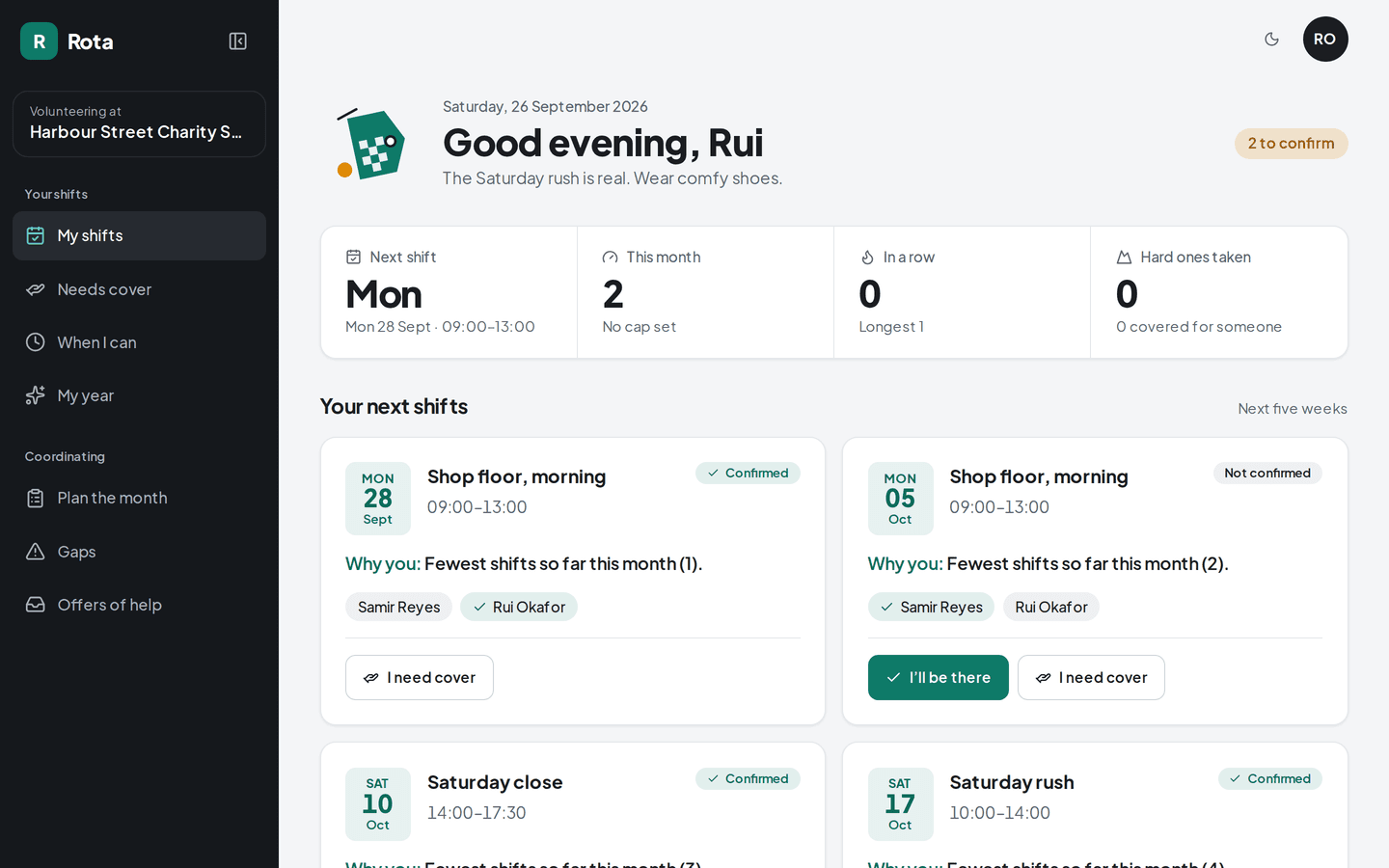
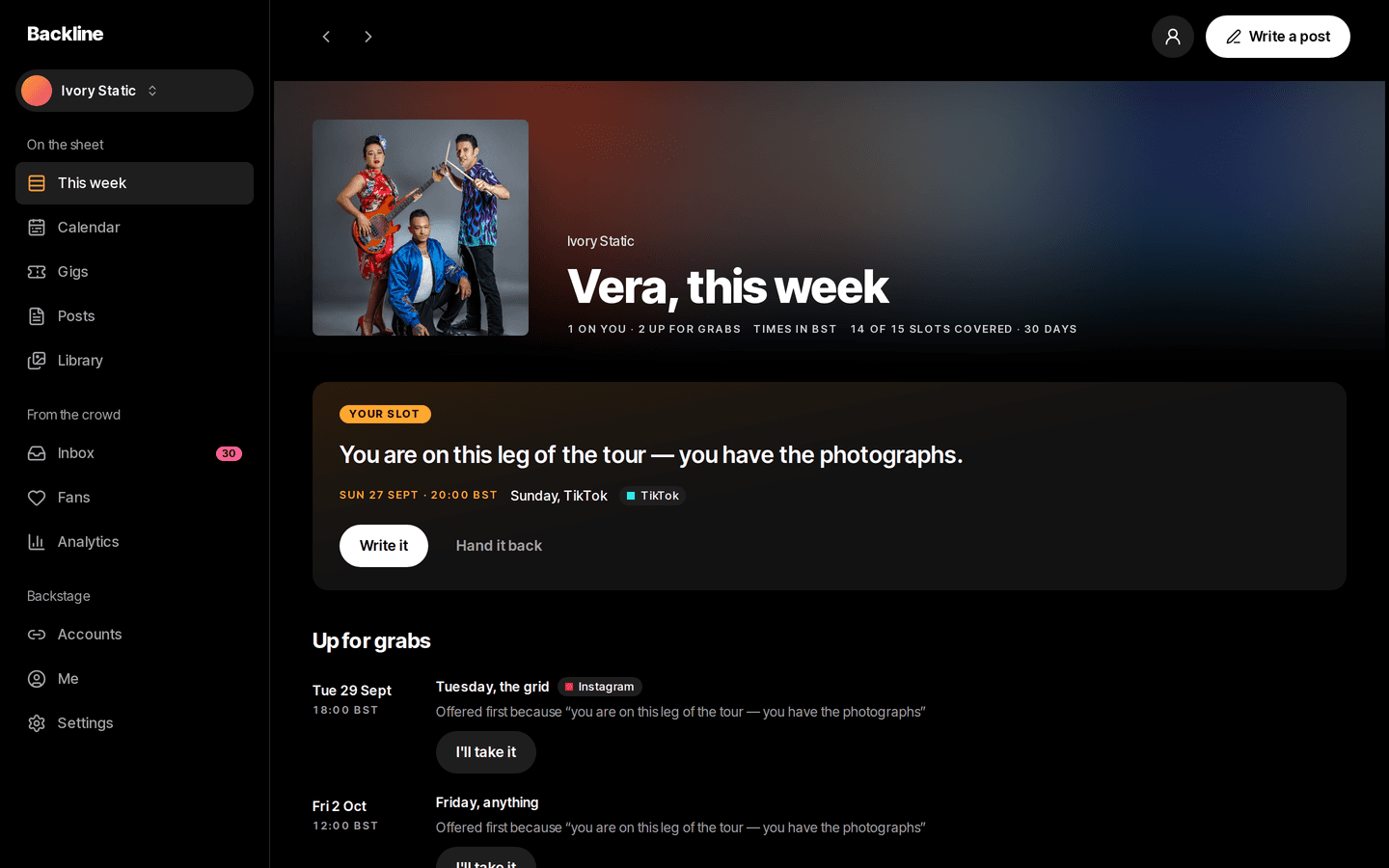
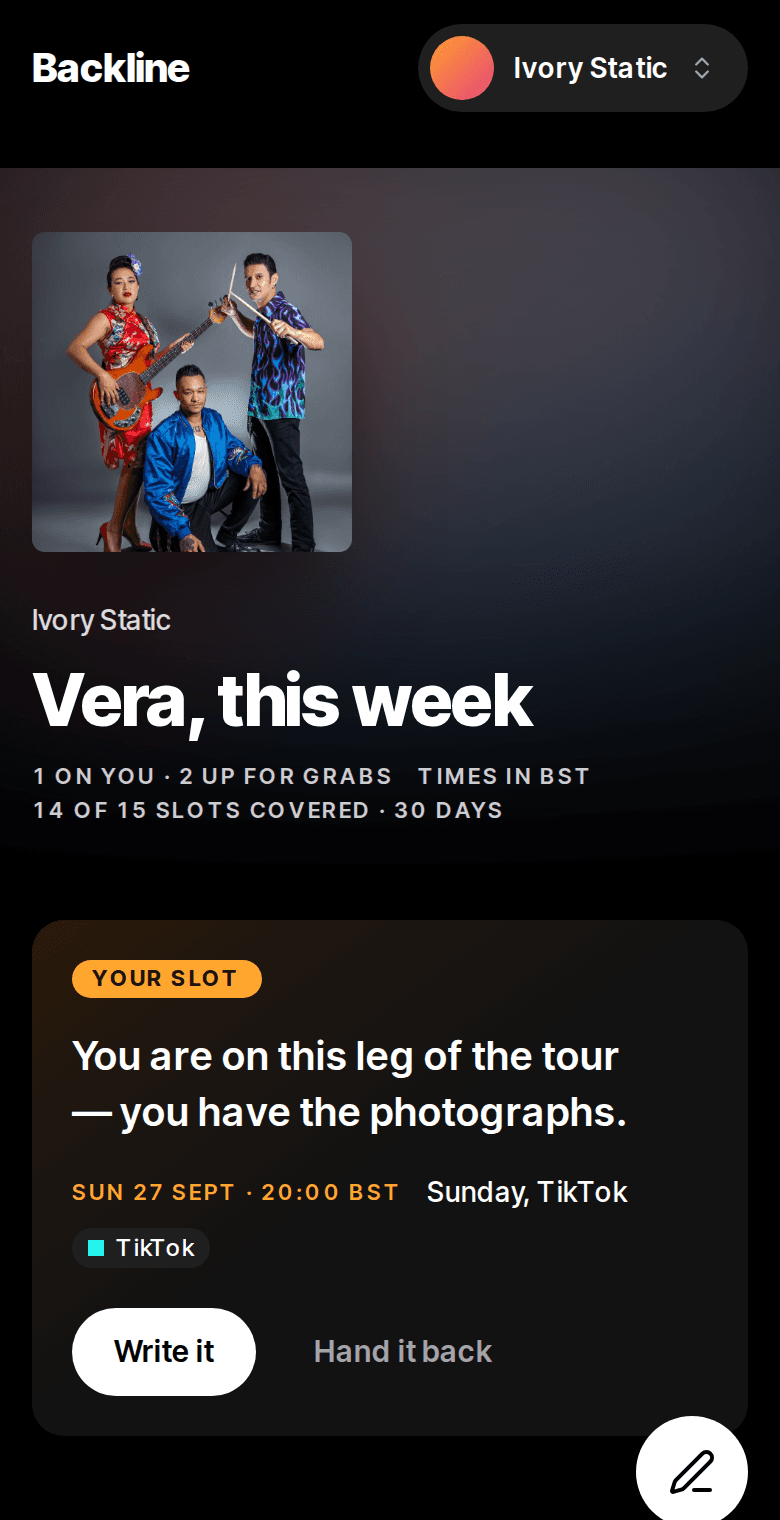
Here is Shift, the volunteer-shift demo, as it could be changed for a shop with paid staff in two locations. The engine that makes schedules fair stays. The rules around it change.
- Who is on the scheduleVolunteers, all interchangeableStaff with roles: keyholder, cashier, stock
- Where the shifts areOne venue, one scheduleTwo locations, each with its own schedule and its own manager
- Who a shift goes toWhoever has done the fewest this monthThe fewest this month, among people trained for that role
- Swapping a shiftAny volunteer can take an offered shiftOnly someone with the same role, and the manager approves it
- At the end of the pay periodNothing, volunteers aren't paidHours per person, exported for payroll
What usually changes:
- Fields
- Stages
- Roles
- Documents
- Reminders
- A new screen or two
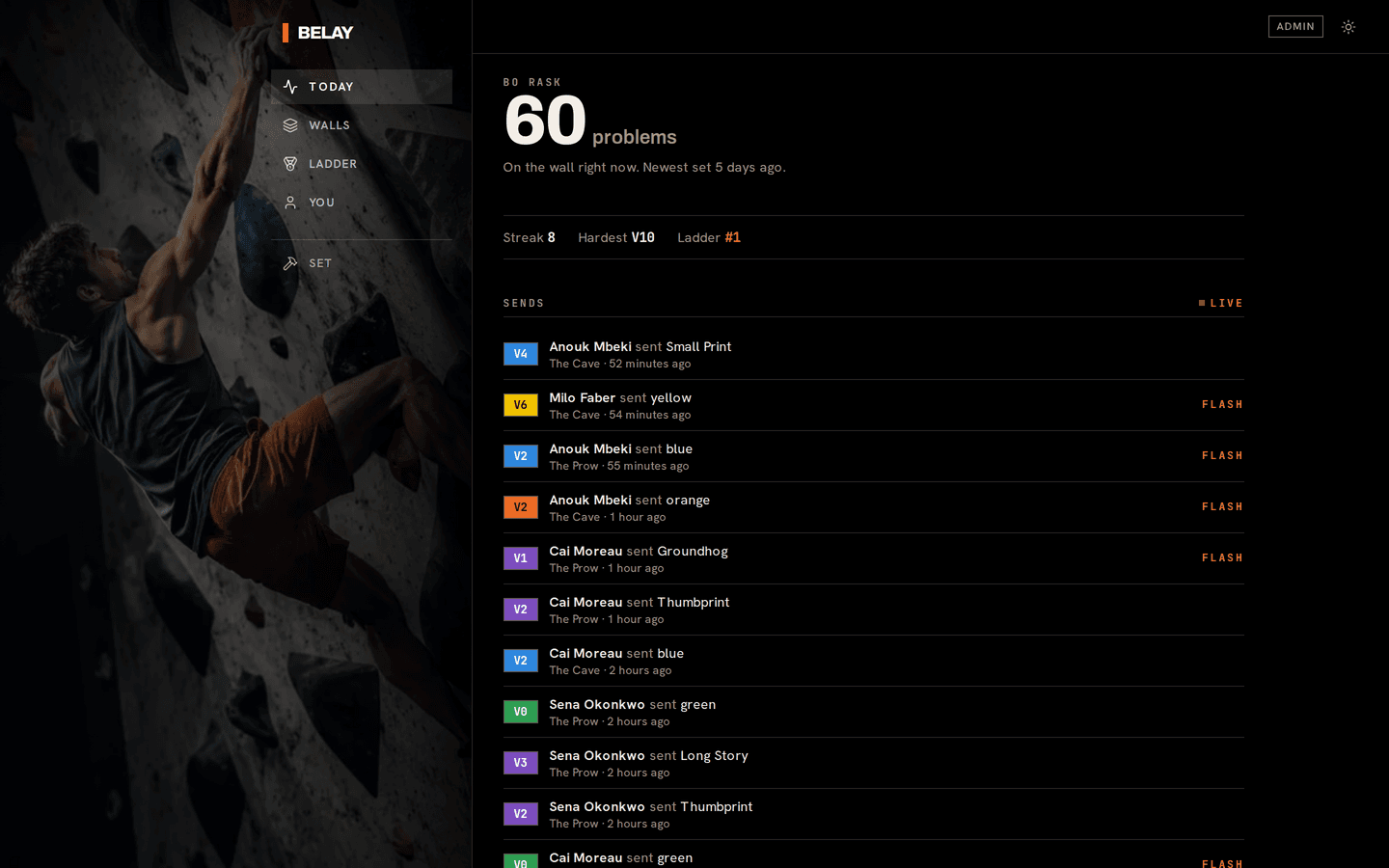
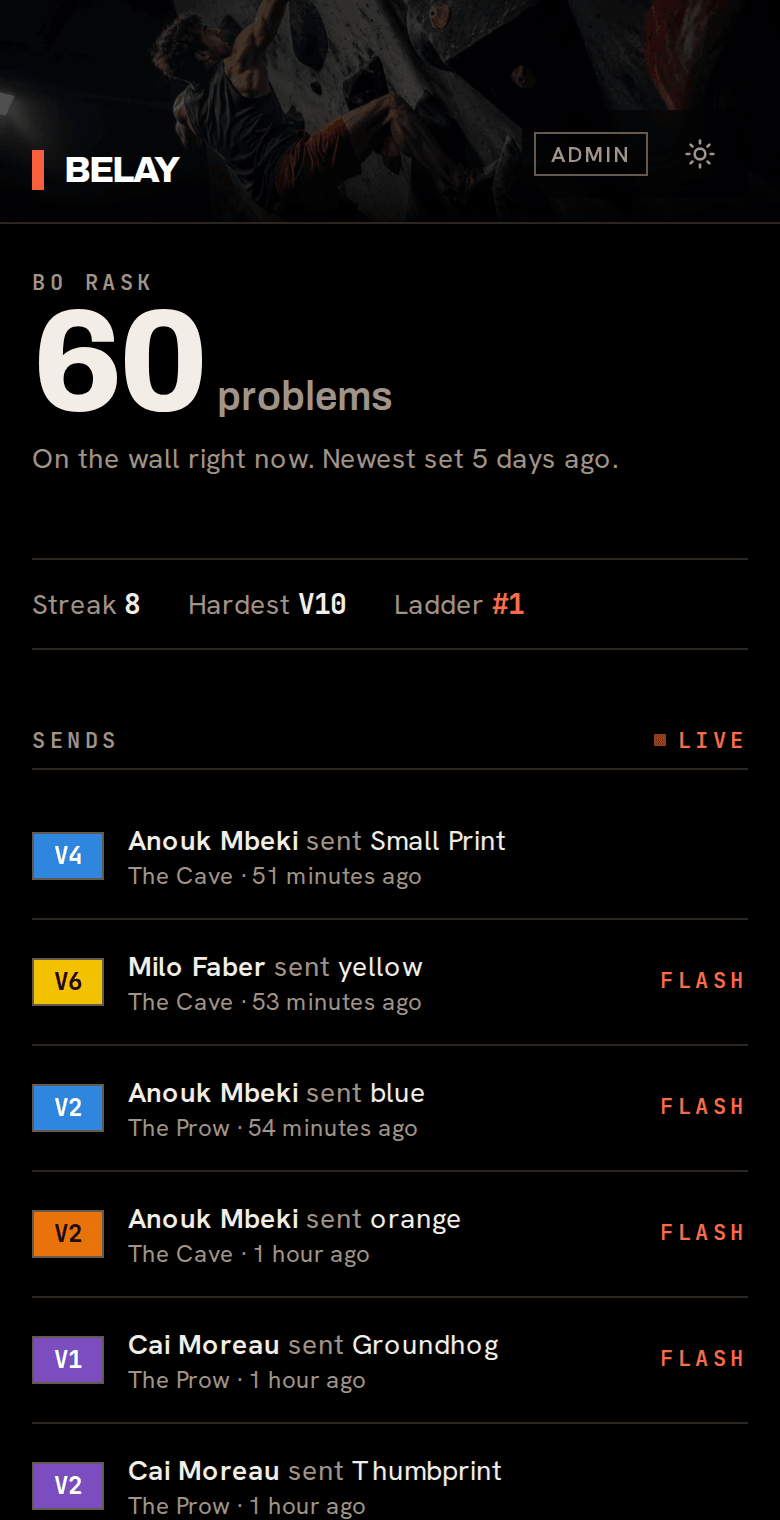
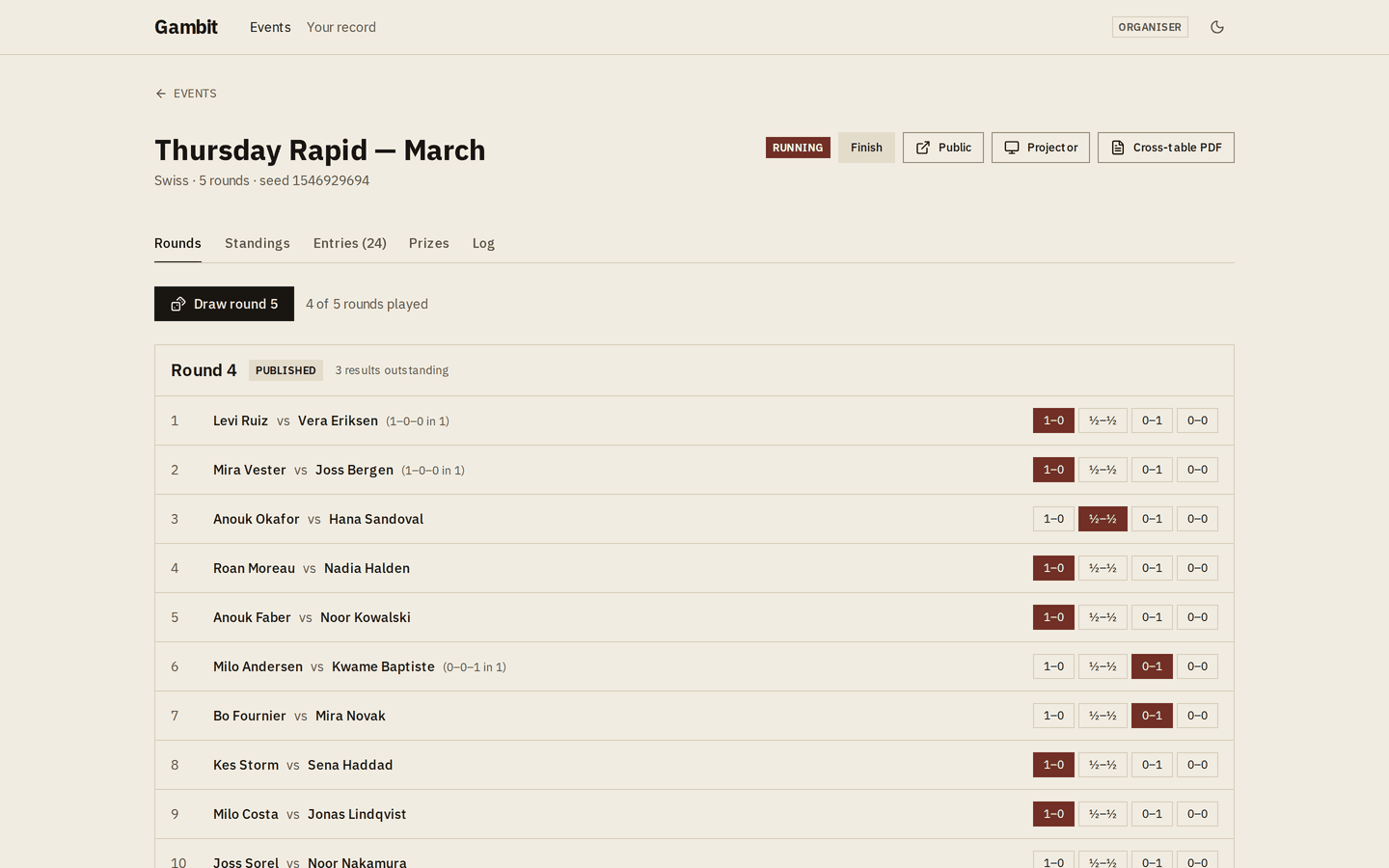
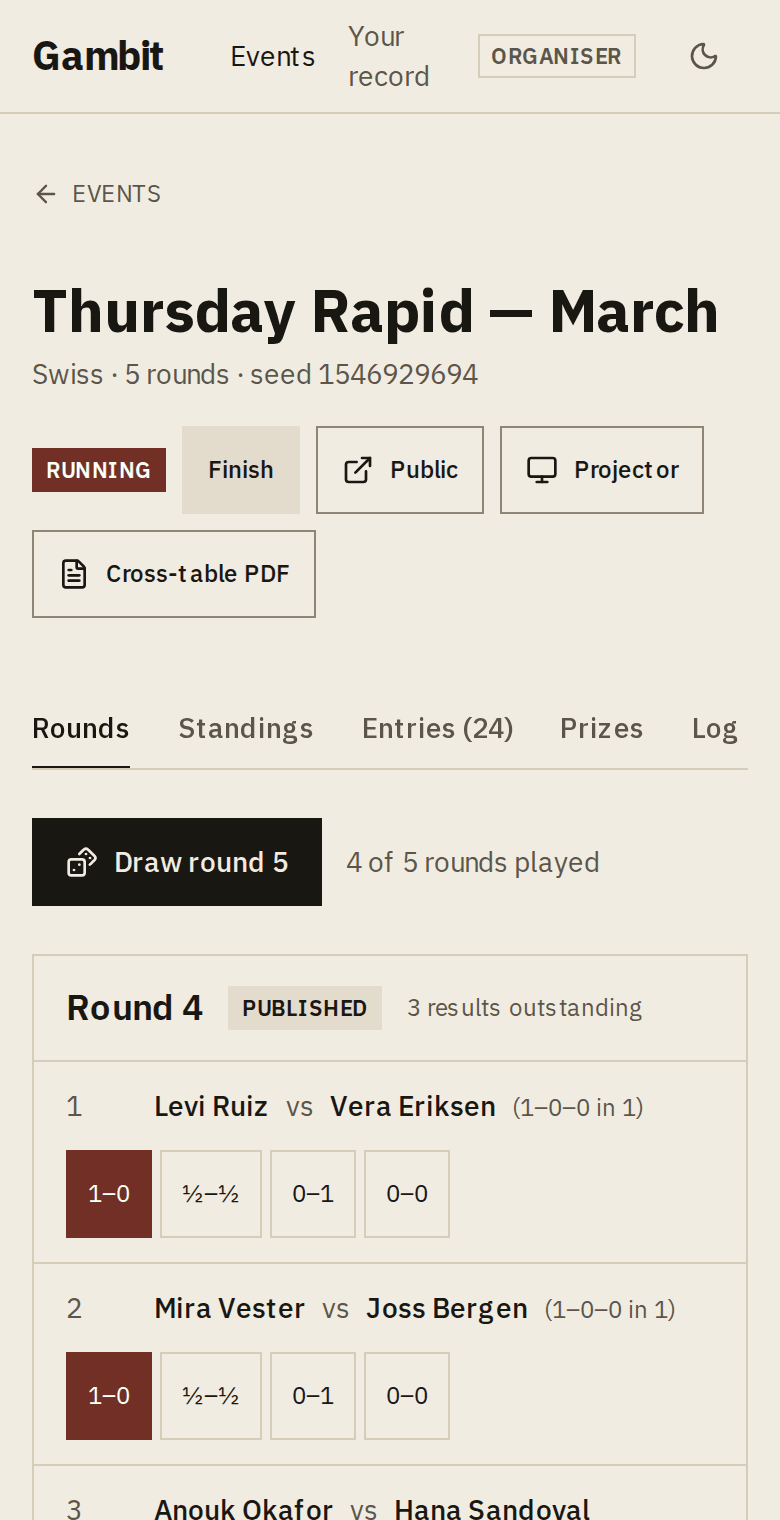
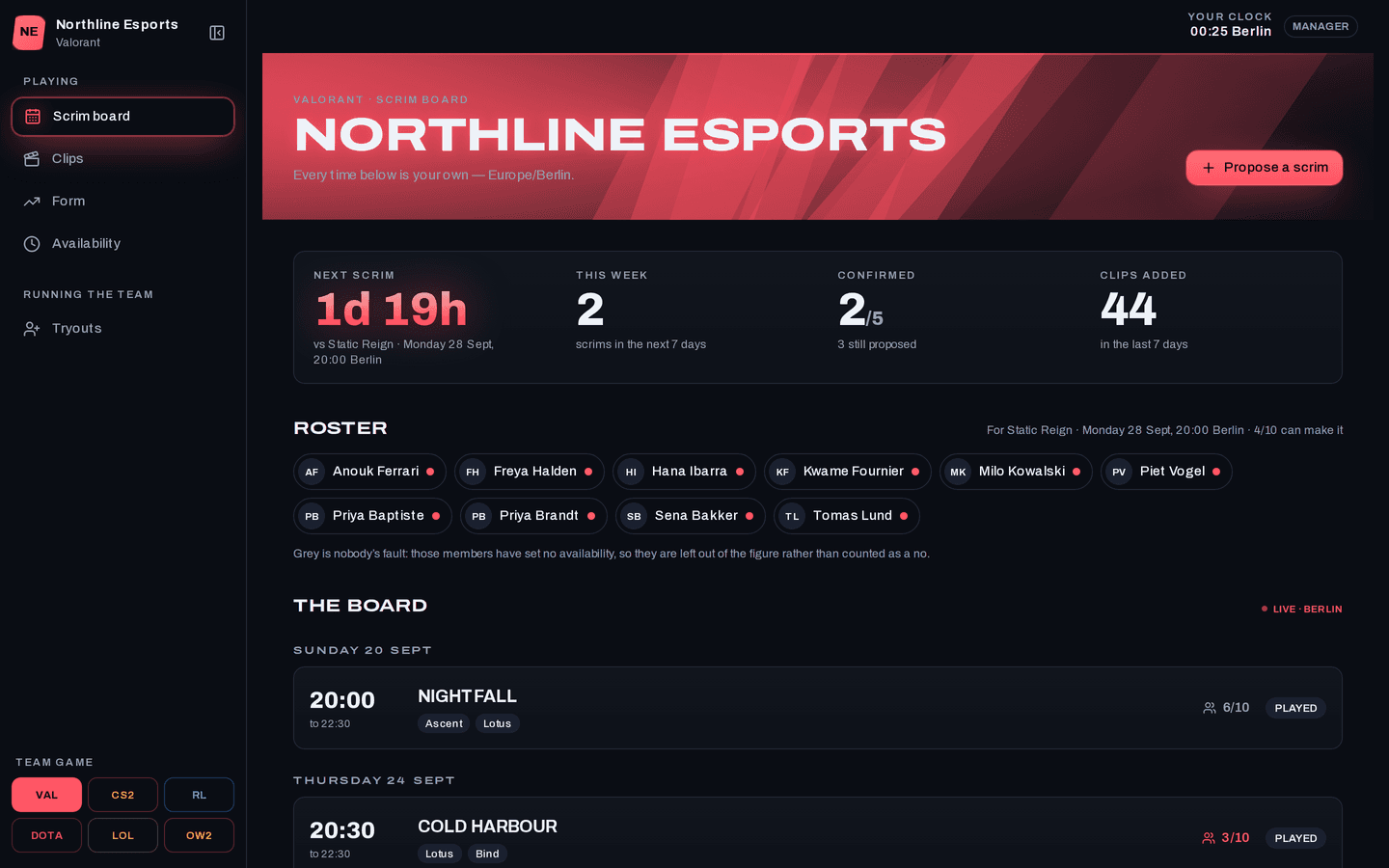
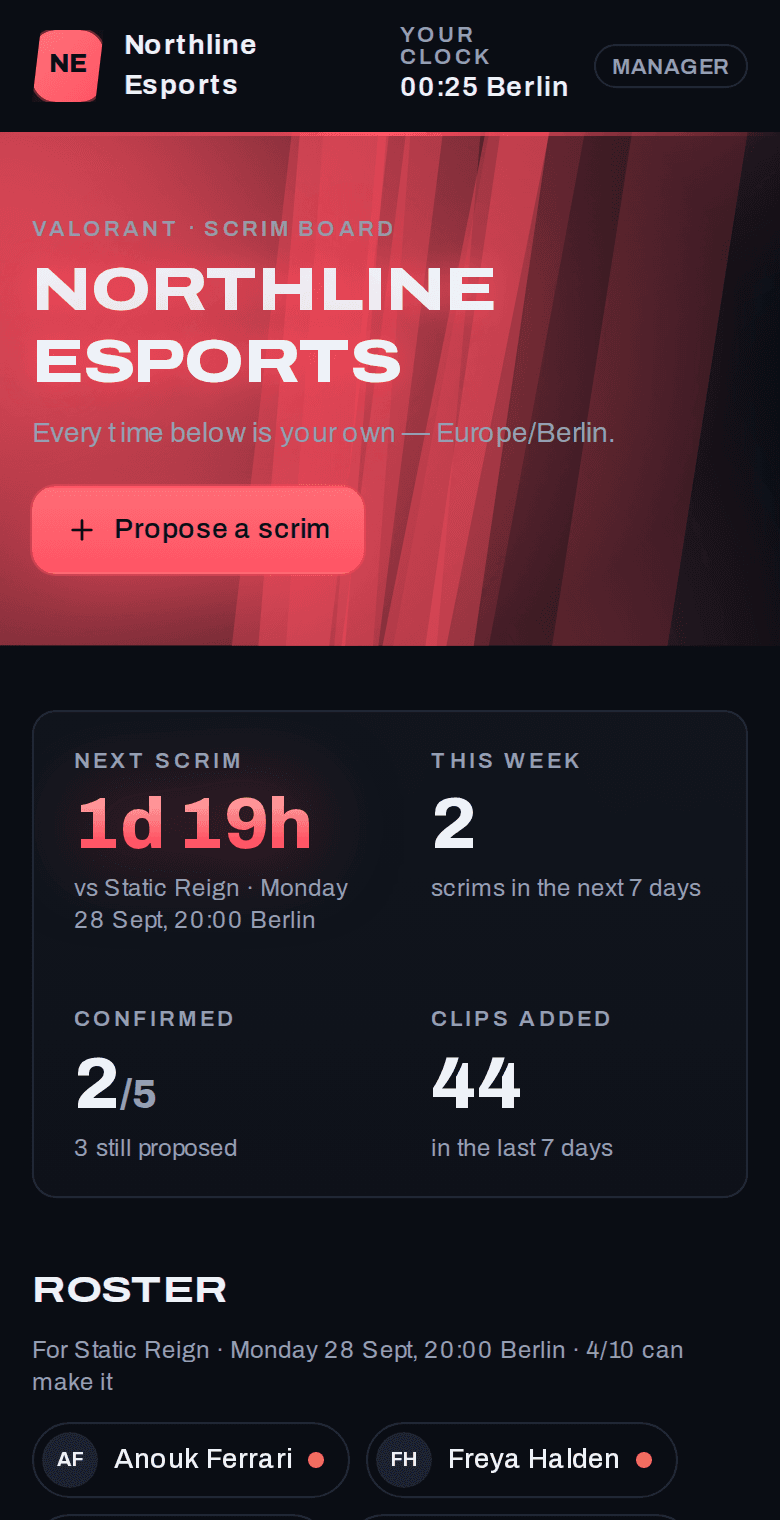
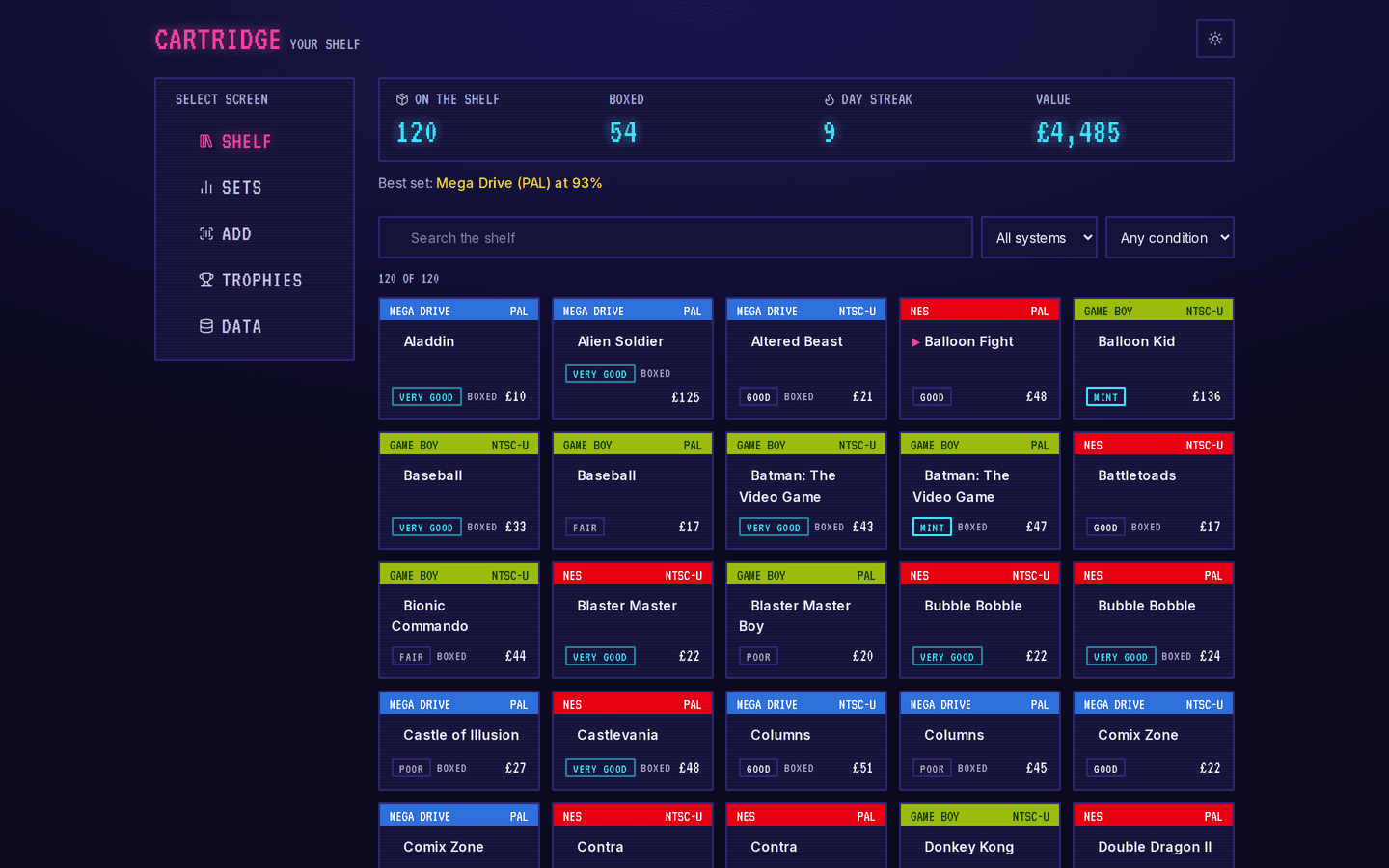
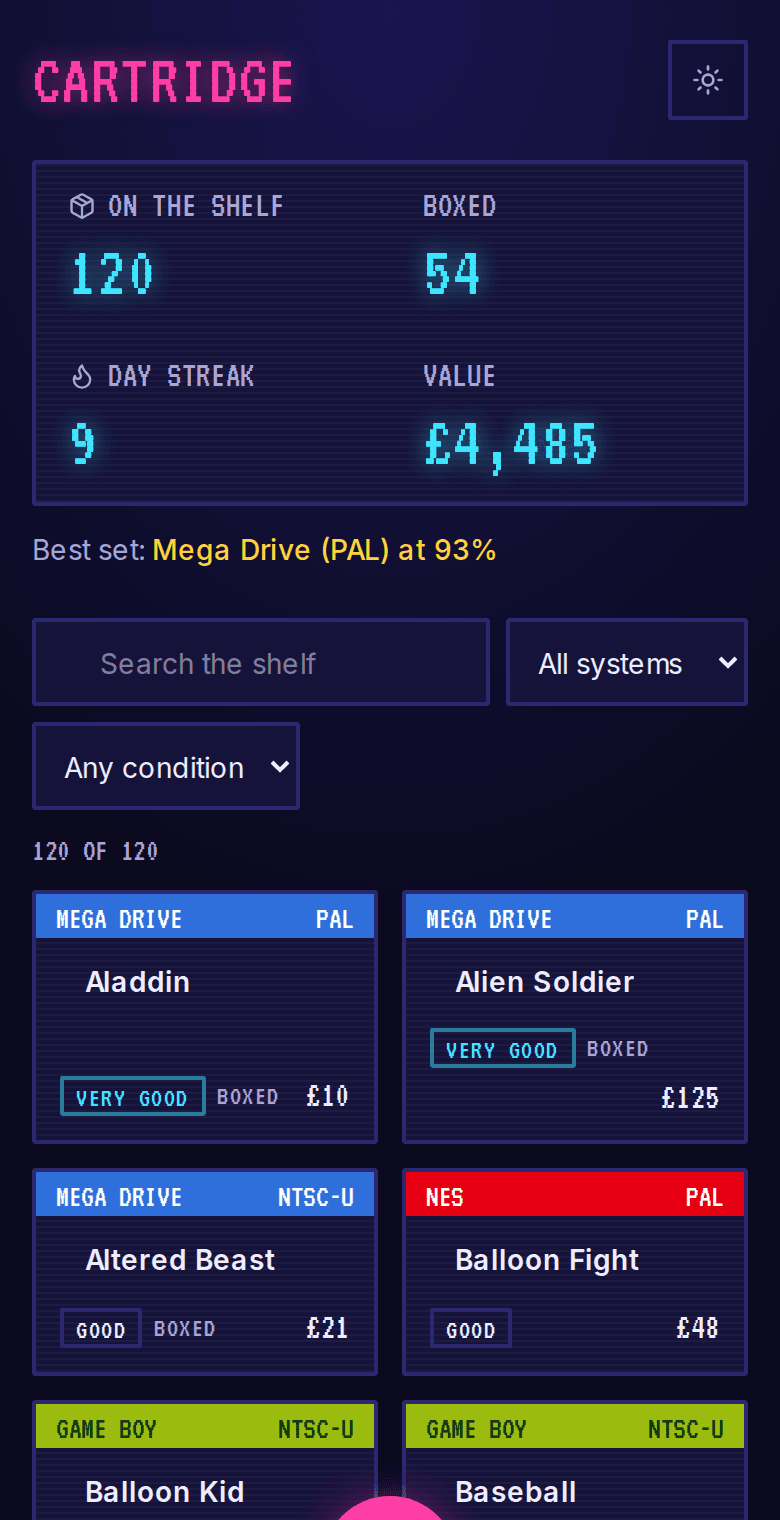
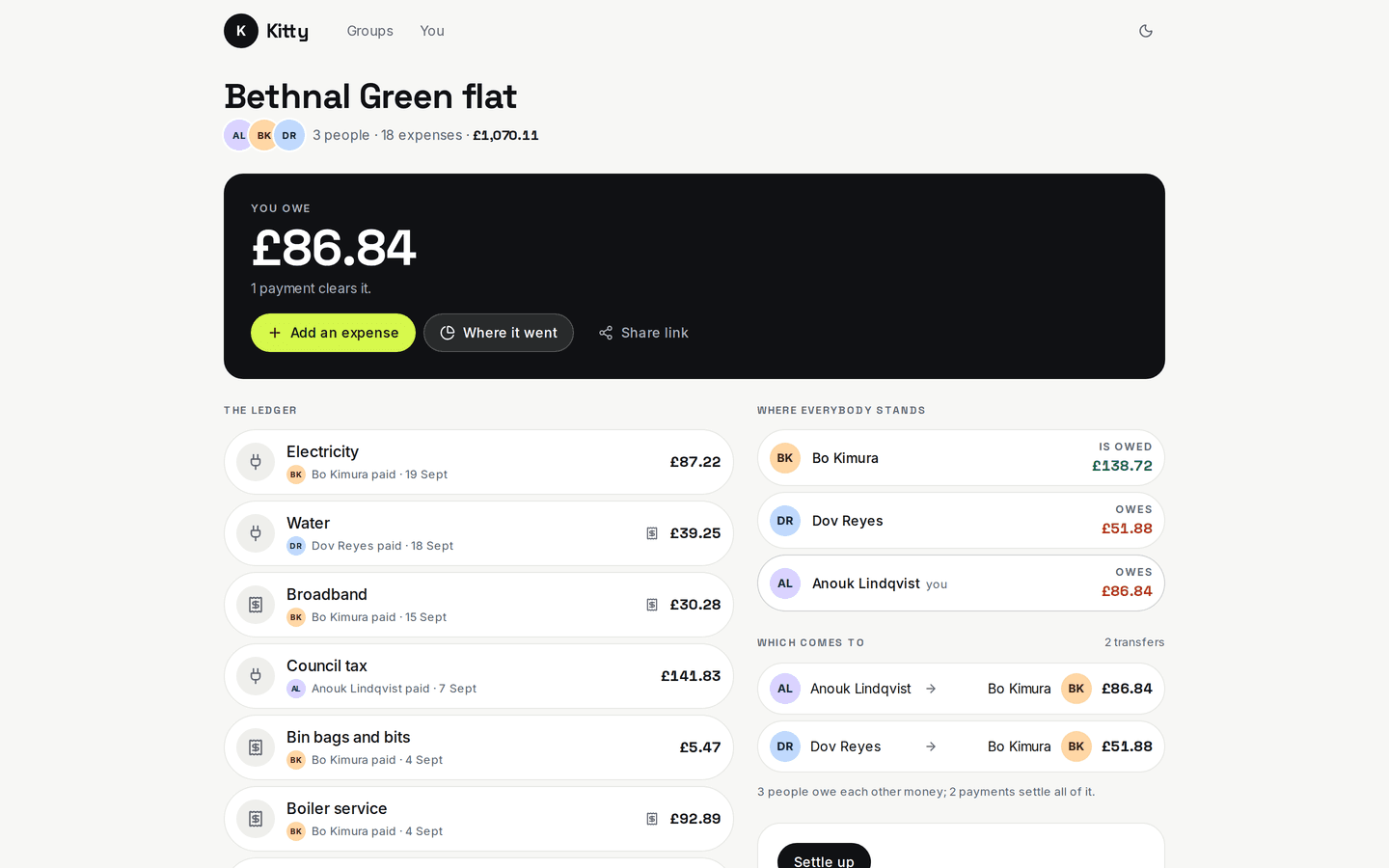
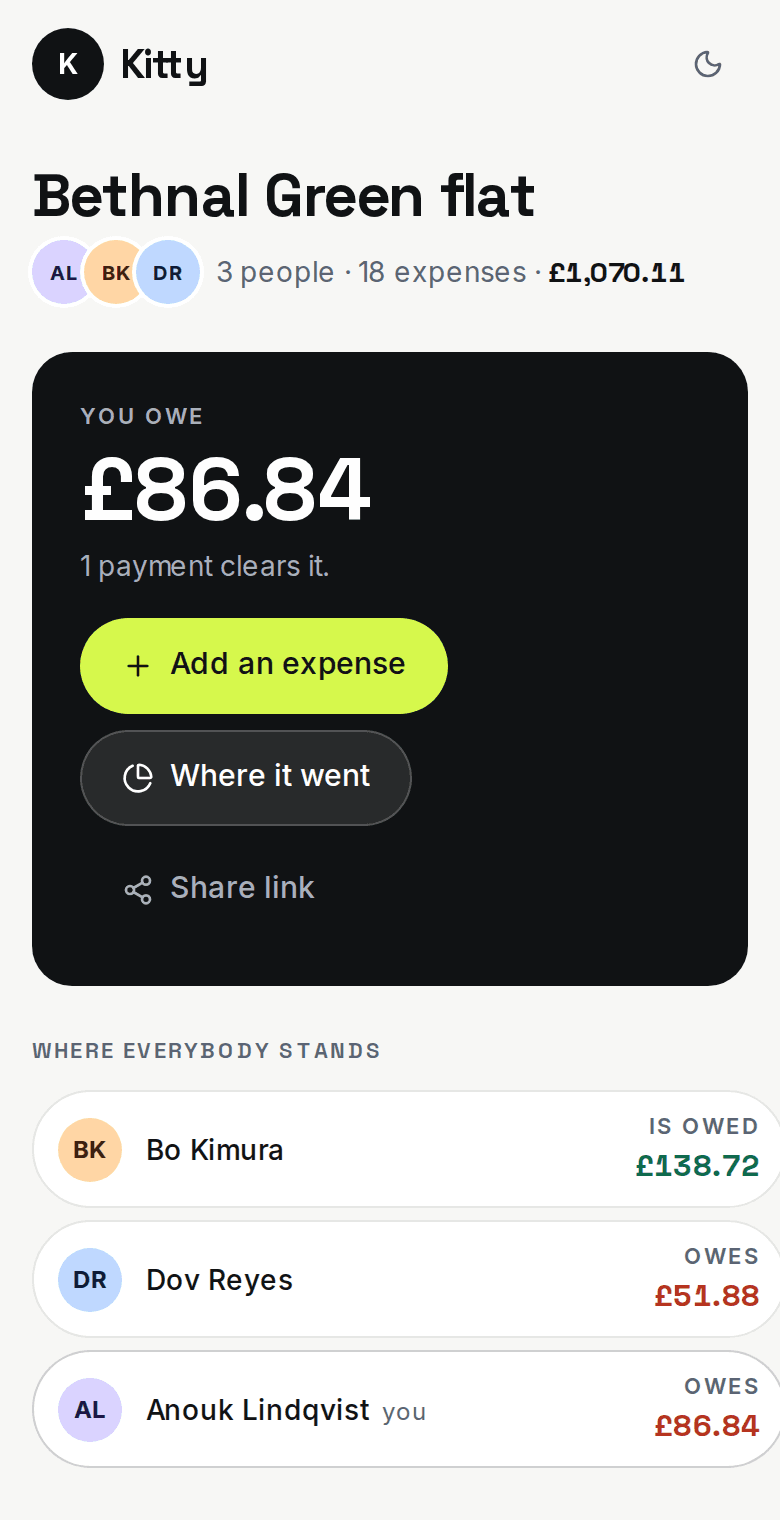
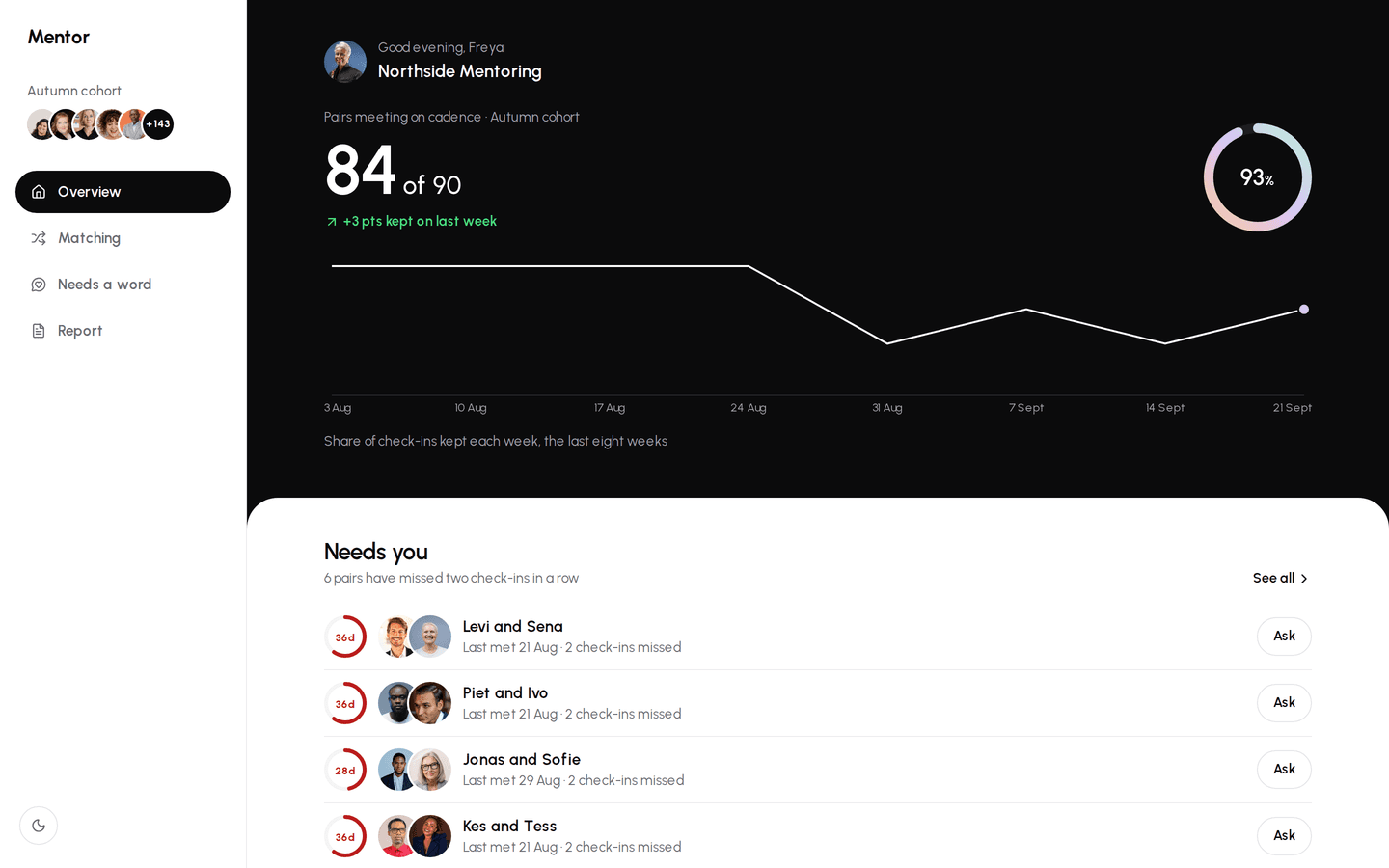
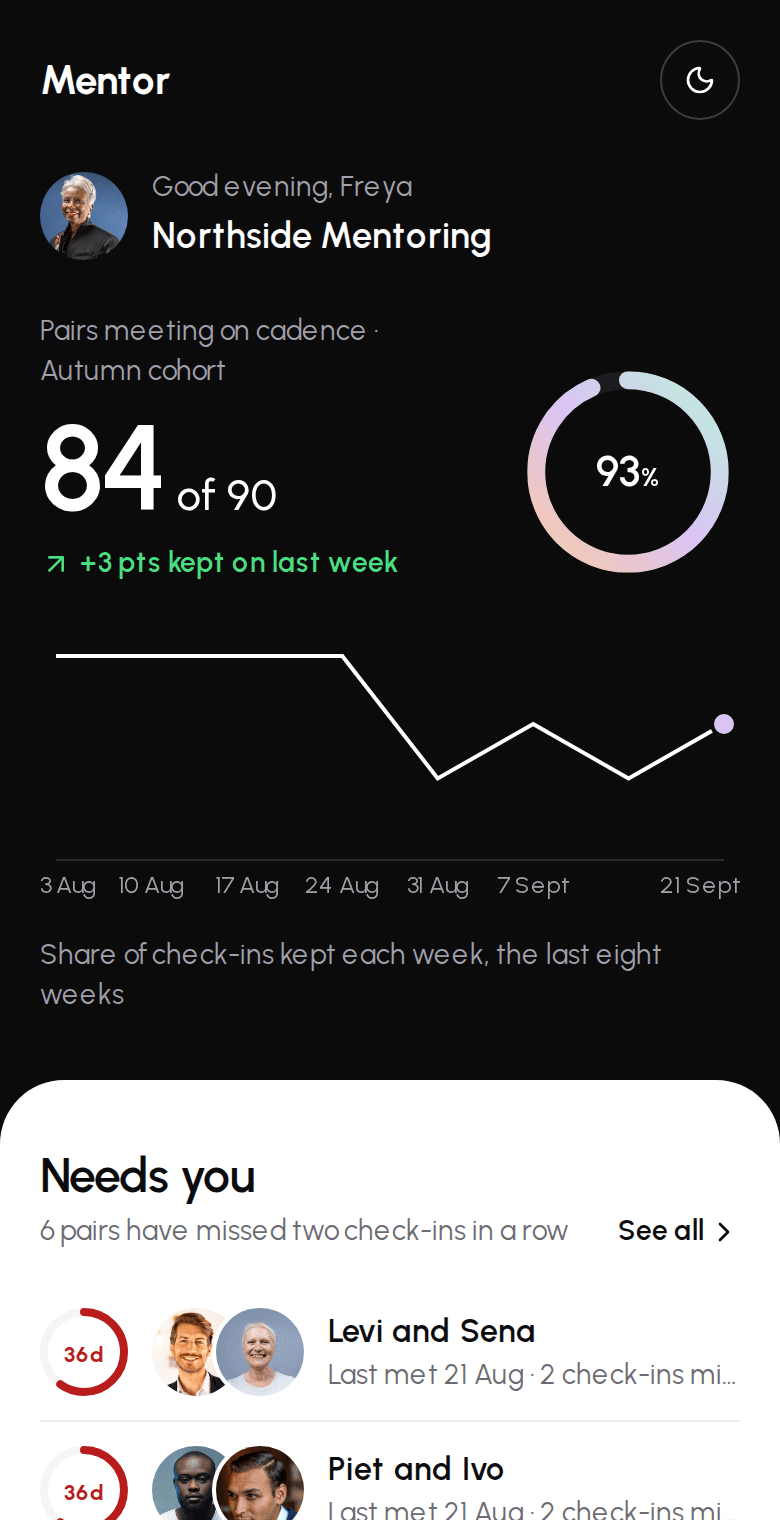
Working demos
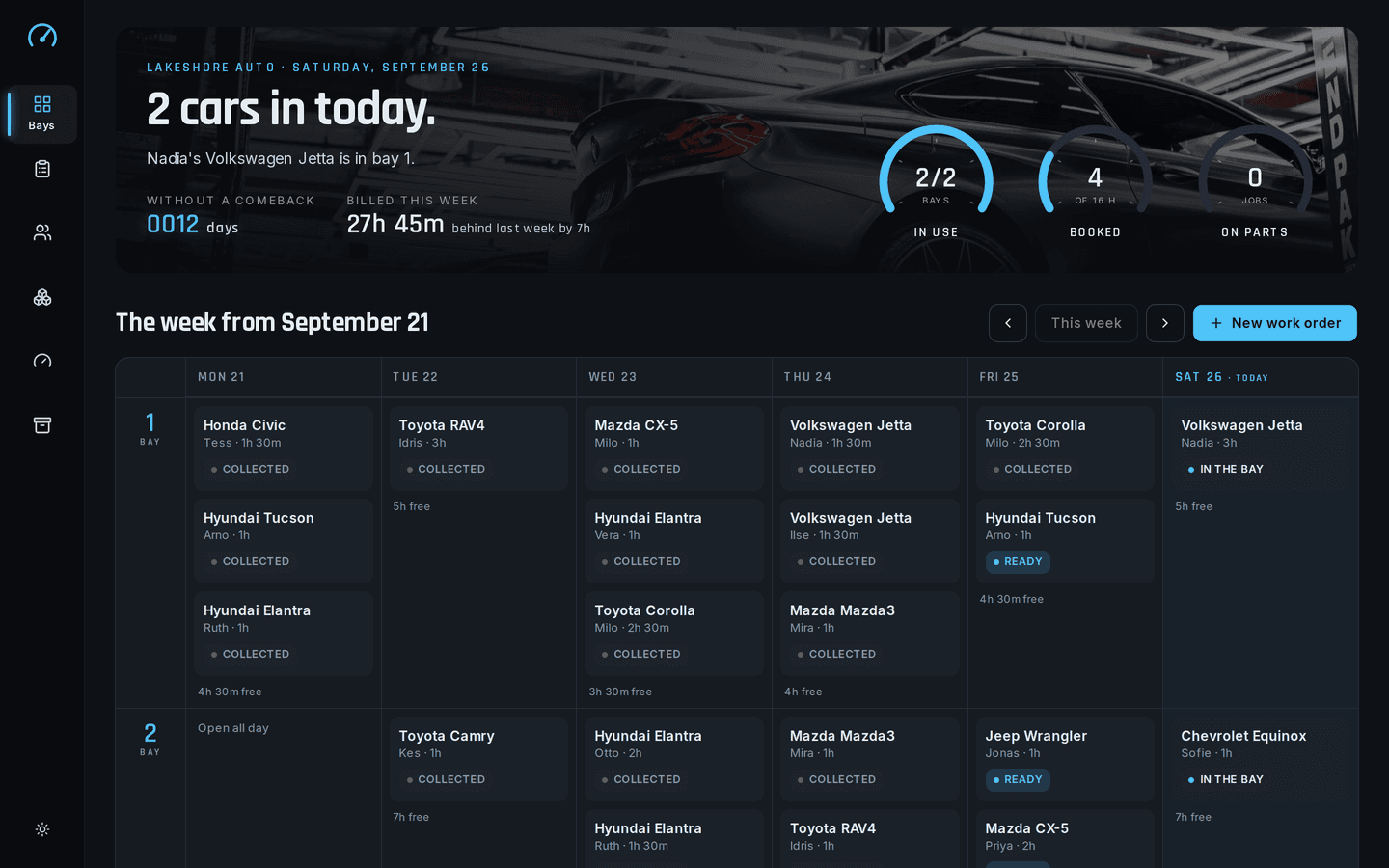
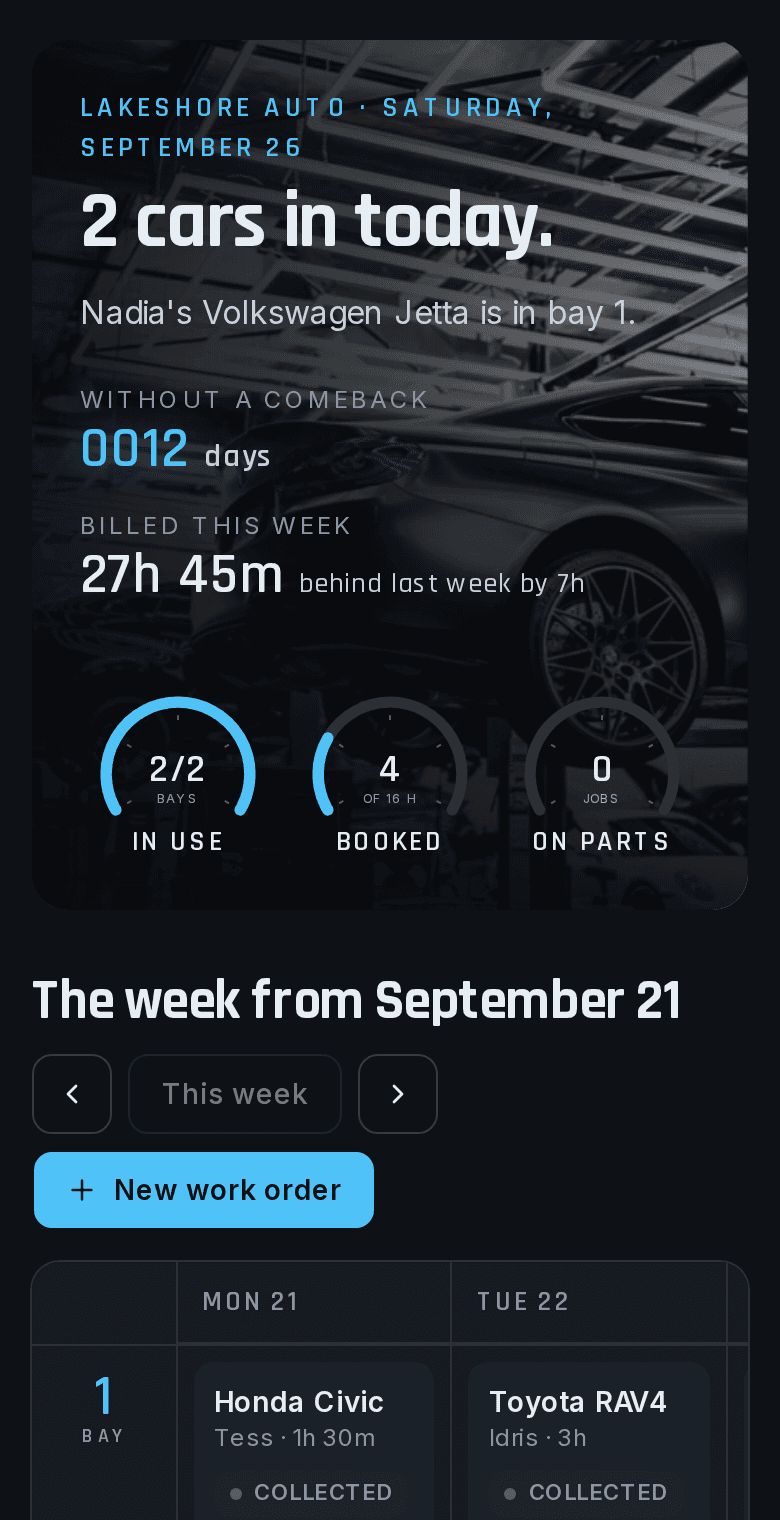
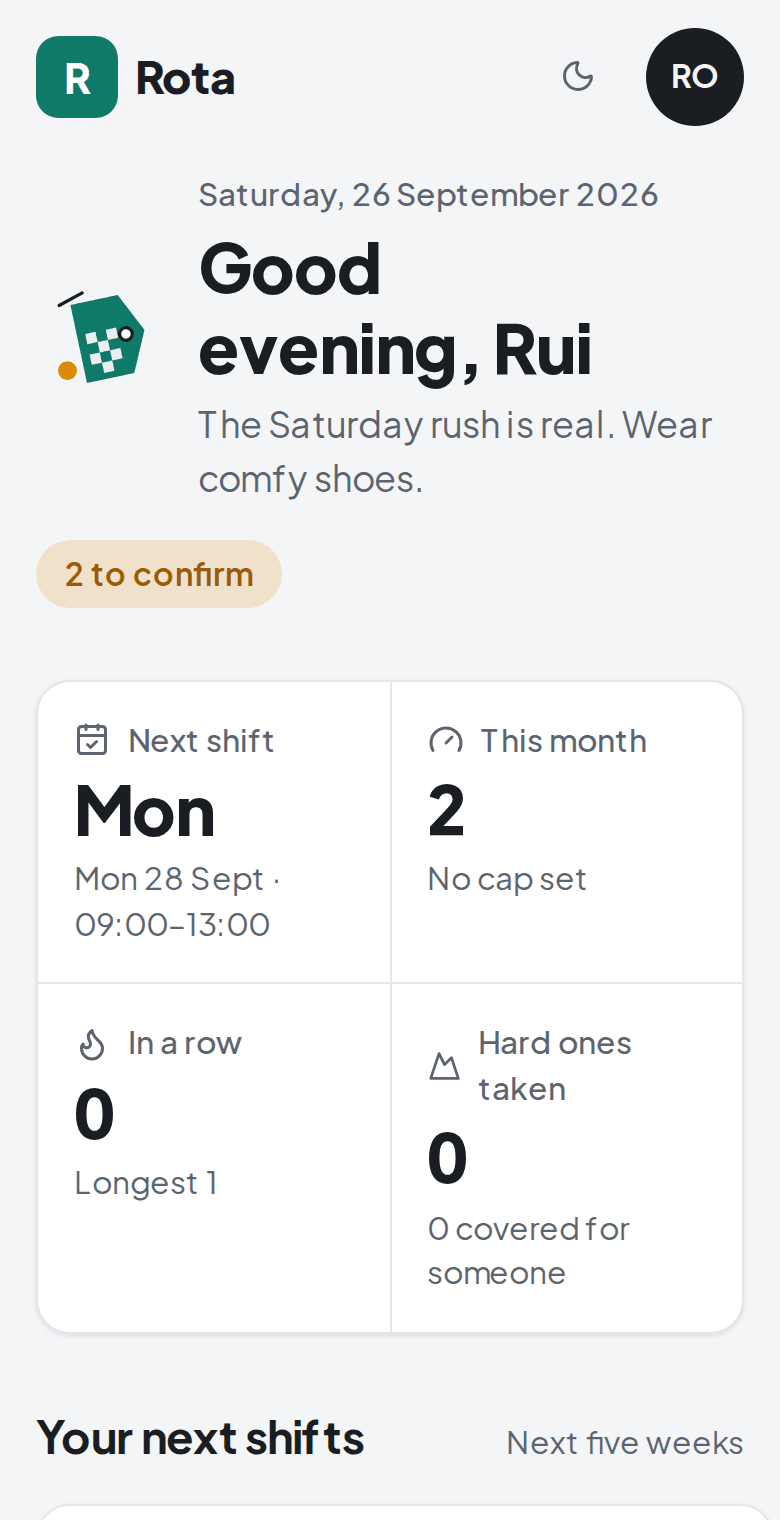
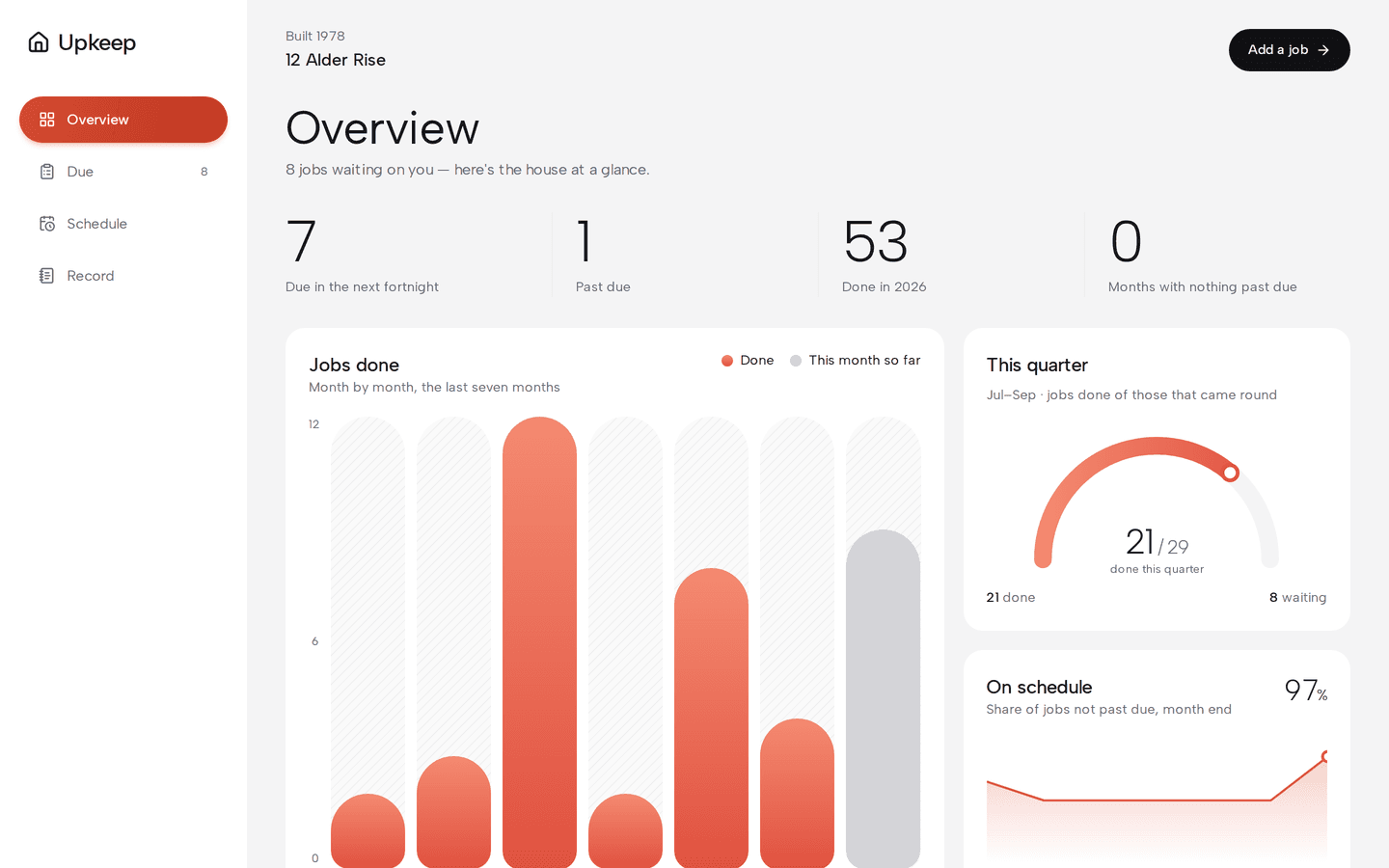
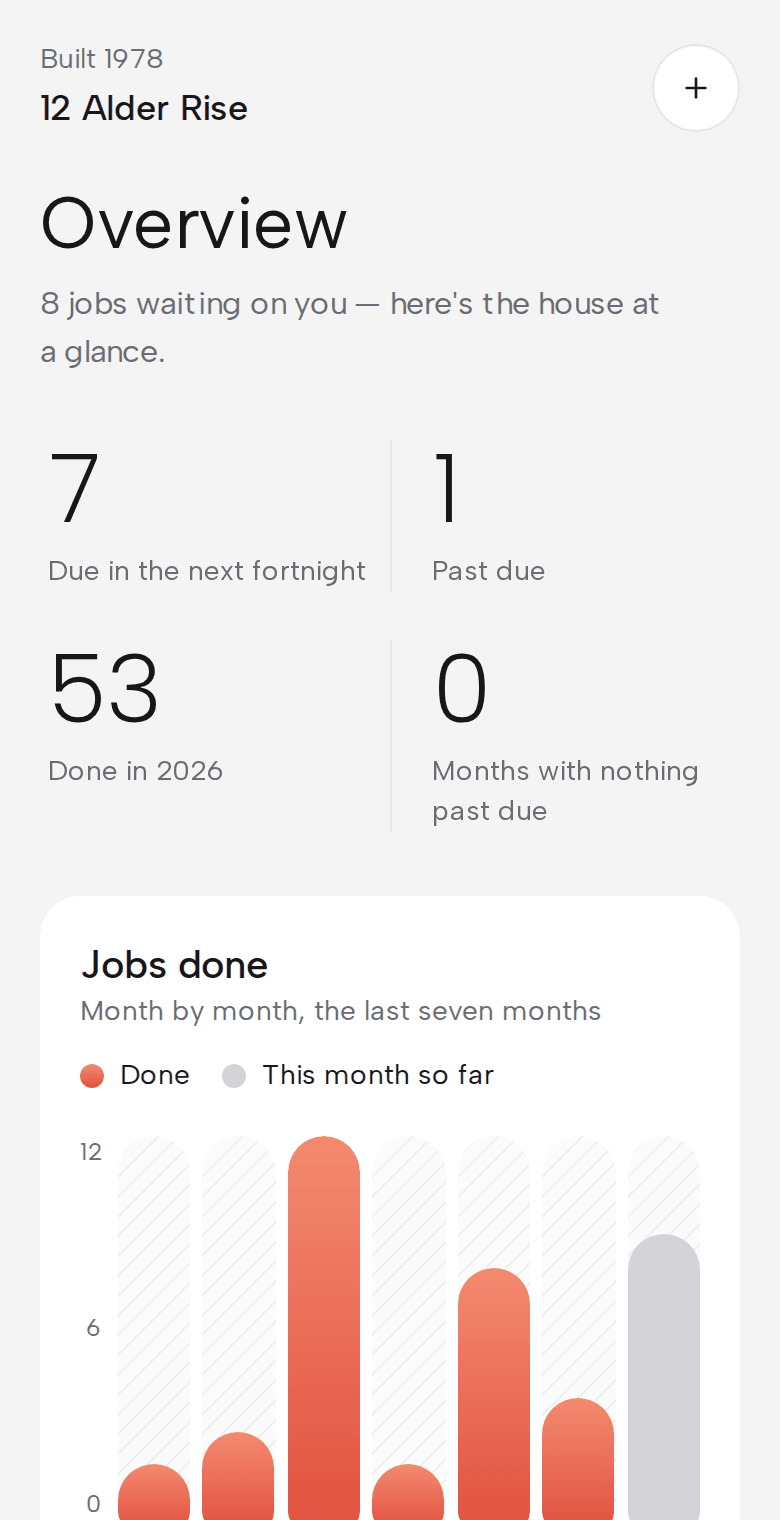
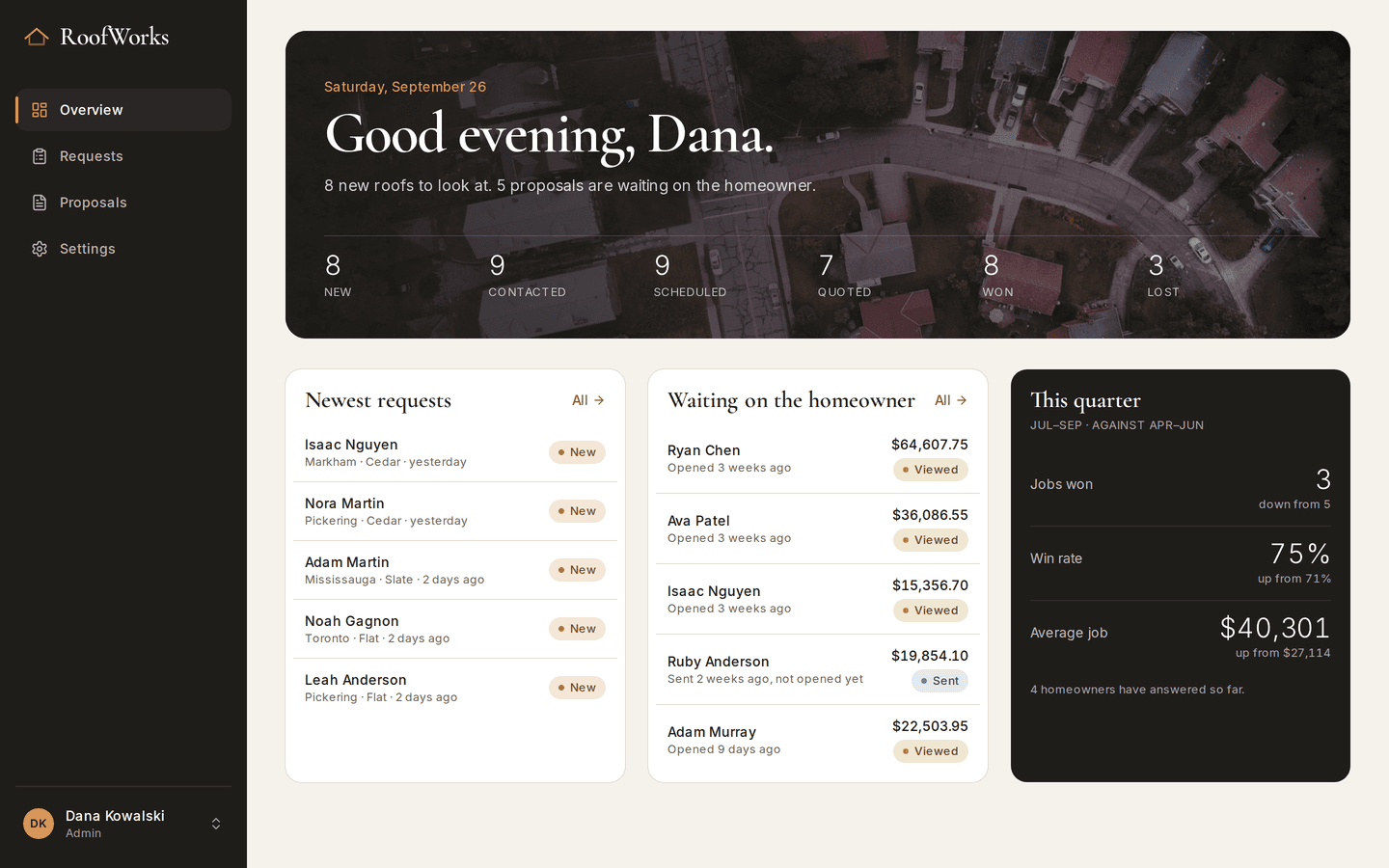
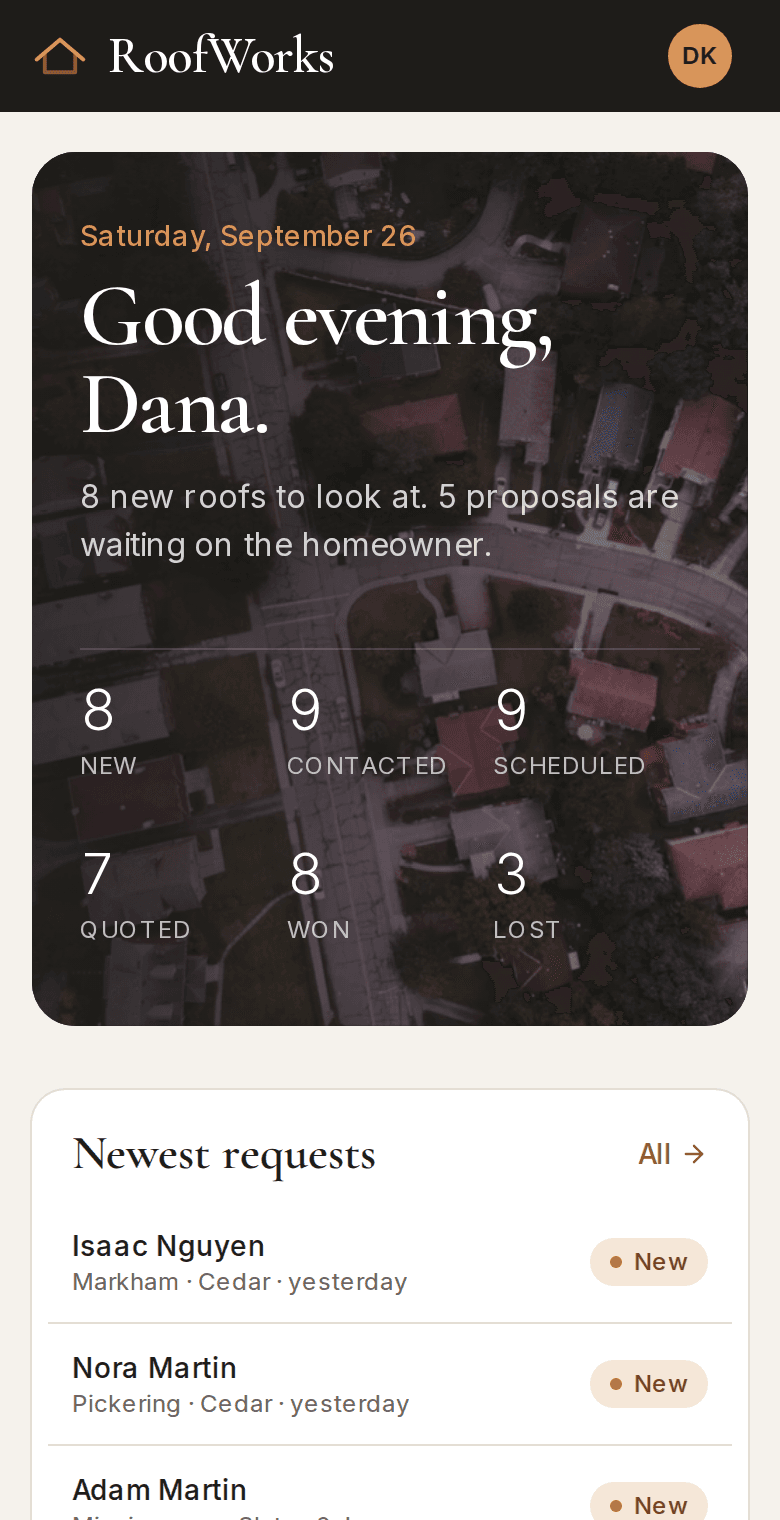
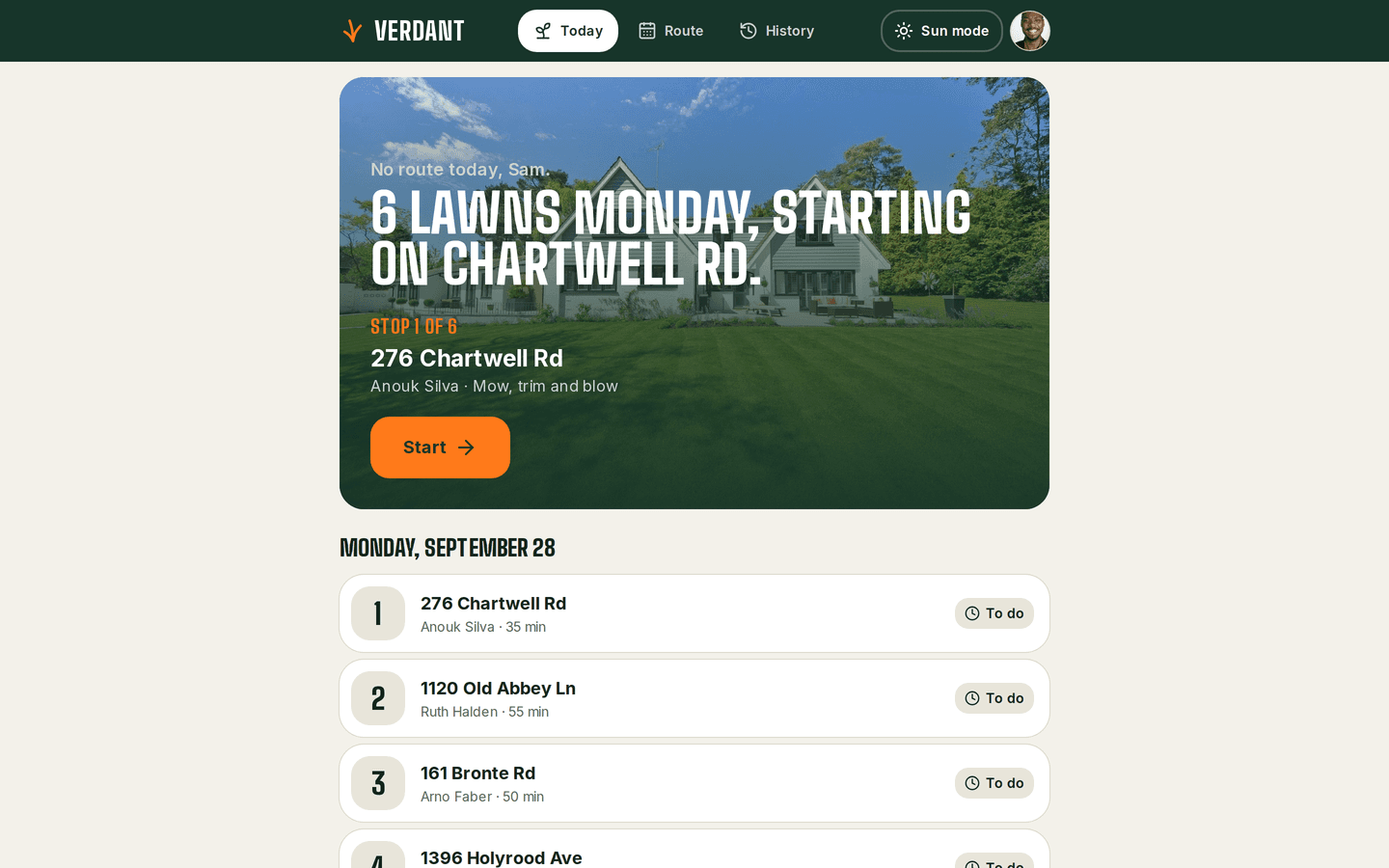
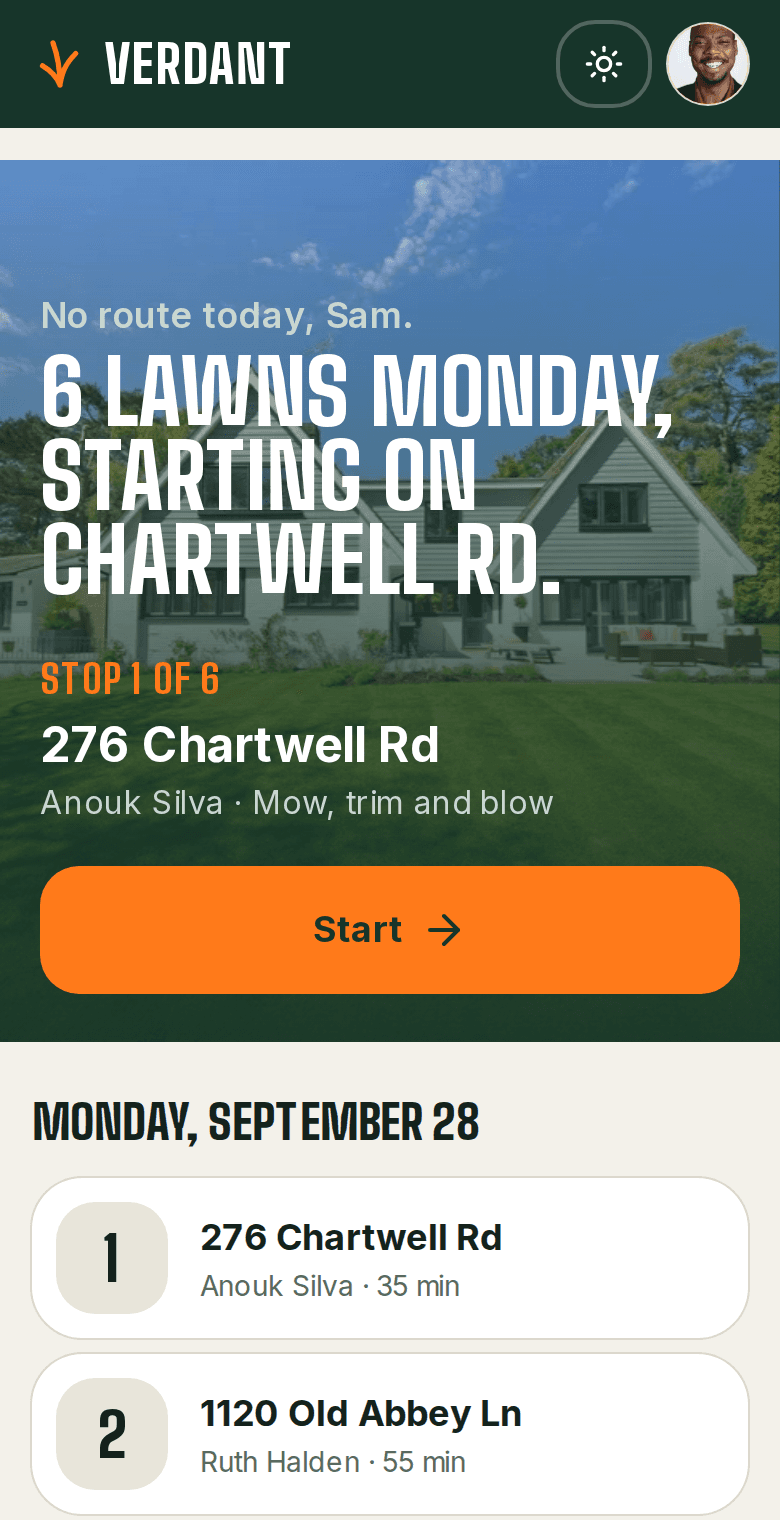
Which demo is closest to your work?
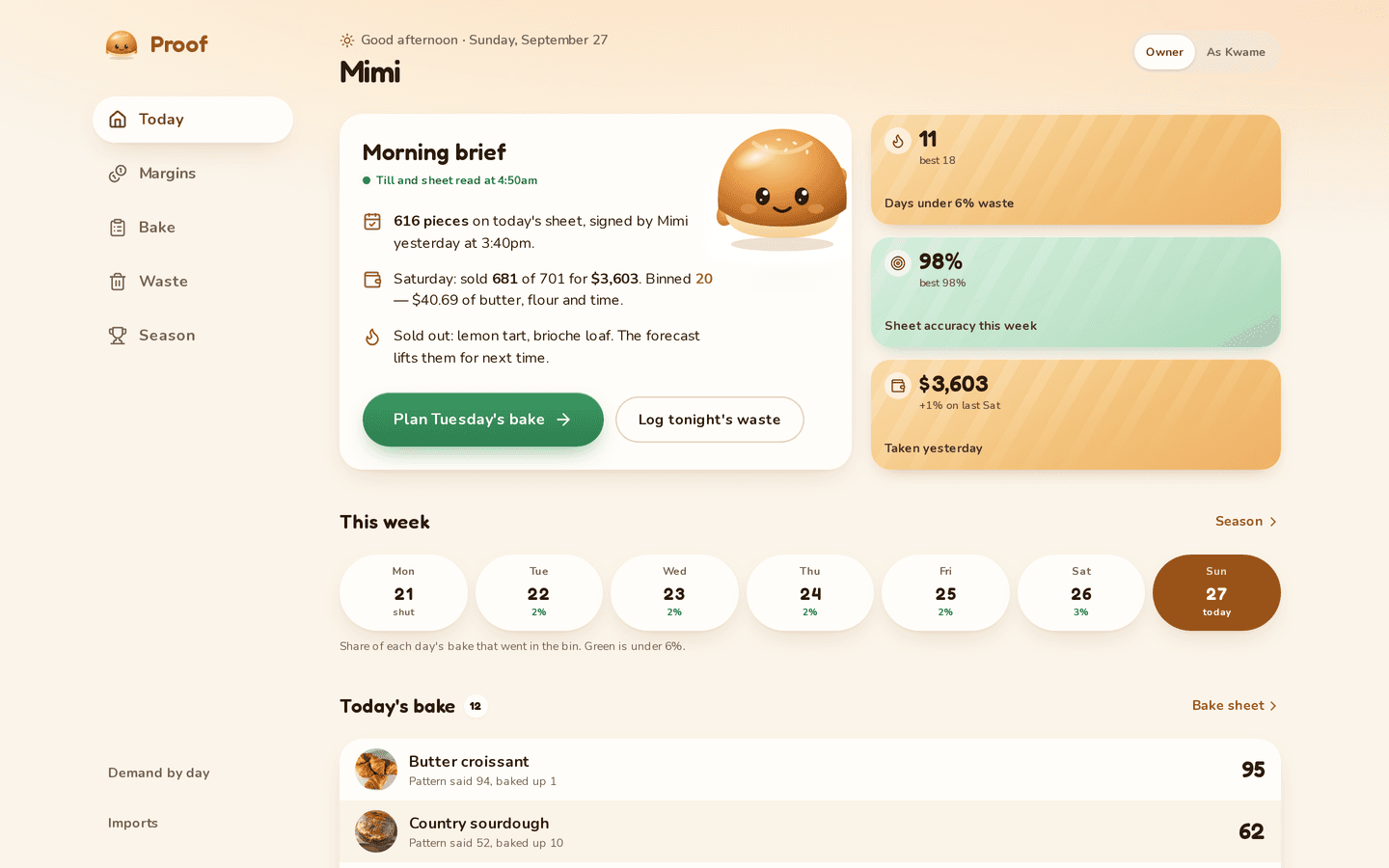
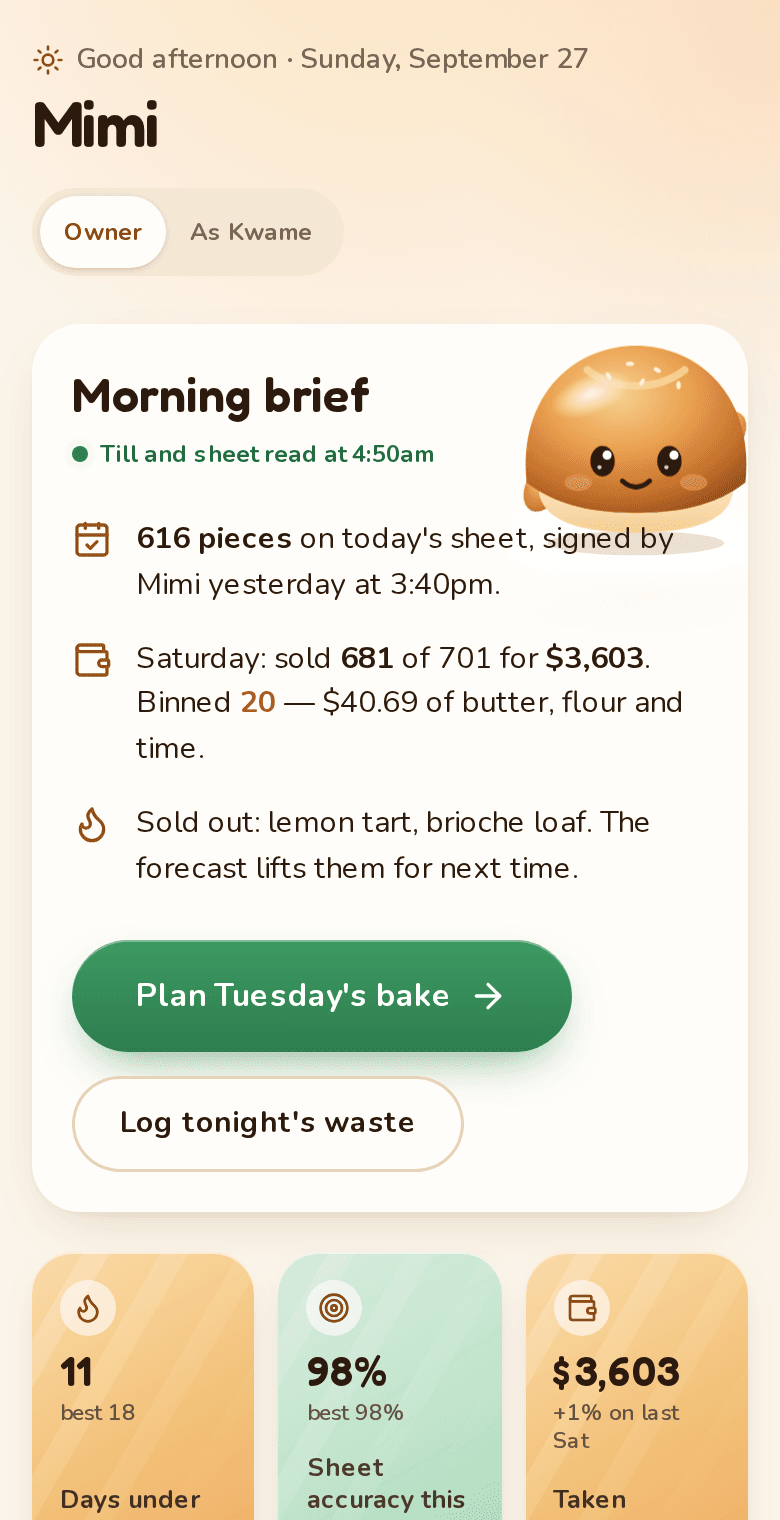
Any of them can be the starting point. Look past the industry: a schedule for volunteers is also a schedule for staff.
Connections
Can it connect to the software we already use?
Yes, to as many services as you need. Each connection is quoted on its own by how much it does: a link or an embed is quick, and a full two-way sync takes longer.
Level 1
Drop-in
A link, an embed or one message sent when one thing happens.
With Stripe: A payment link for one product.
Level 2
Connect
Sign in to the other service and send or fetch one kind of record.
With Stripe: A checkout page for each invoice, with a receipt.
Level 3
Stay in step
The other service tells the app when something changes, and the records follow.
With Stripe: Paid, failed and refunded payments update the invoice by themselves.
Level 4
Both ways
Changes flow in both directions across several kinds of record, with screens for your team.
With Stripe: Saved cards, a customer portal and monthly subscriptions.
Level 5
The whole workflow
Every case handled, with reports, history imported and the compliance rules covered.
With Stripe: Payouts, splits between parties, tax and reminders for late payers.
We have scoped connections for Stripe, Google Maps, Google Analytics, Twilio SMS, QuickBooks, Google Calendar, Slack, HubSpot, Shopify, Mailchimp, and any service with an API can be added. Each quote lists what the connection does and when it will be ready, in writing, before work starts. Fees the other service charges you, such as text messages or map lookups, are billed by them.
How it works
What happens after you get in touch?
Five steps. You know the price before any work starts.
- First
A free 30-minute call
You walk us through how the work moves today: who does what, where it gets stuck, and what gets written down twice.
- A few days later
A written scope and a fixed price
Every screen, what it does and what it doesn't, with a price and a finish date. Nothing is billed until you accept it.
- From two weeks
The build
You can open it and try it while it's being built. Small corrections happen as we go. Anything bigger gets a revised quote before we do it.
- Launch week
Setup with your data
We import your records, add your people and show them how it works. In person around Greater Sudbury, or over a screen share anywhere else.
- After launch
30 days of free fixes
For 30 days after handover, fixes and small changes cost nothing. After that there's an optional monthly support plan.
Turnaround is two weeks at the least. That's for the simplest premade setup. Most projects take longer, and the scope gives you the real date.
Questions
What else do people ask?
How much can you change?
Anything, in principle. When most of a demo stays, it's an adapted build. When most of it would change, a custom build is the better deal, and we'll say so.
Does the demo's industry matter?
Less than you'd think. Shift is for volunteers, and the same engine fits staff shifts. Upkeep tracks home maintenance, and the same schedule fits equipment checks.
How long does an adapted build take?
Usually several weeks. The written scope lists every change and gives you the finish date before you accept it.
Can it connect to software we already use?
Yes, as many as you need. If your accounting or point-of-sale software works well, the app reads from it and leaves it alone. Each connection is quoted on its own.
Start here
What would you change?
Name the demo that's closest, and the parts that don't fit. That's enough for a first call.
A reply within two business days. If it looks like a fit, we book a free 30-minute call, then send a written scope and a fixed price.