
Local builds
Want an app with no monthly fee?
A local build runs on one computer. There's no account to sign into, it keeps working when the internet drops, and all of your data sits in one file you own.
- You own the code and the data
- A fixed price in writing before any work
- 30 days of free fixes after launch
The trade-off
What does a local app do without?
No accounts
Nobody signs up or signs in. Open it from the taskbar and it's there.
No internet
It keeps working when the connection drops, because nothing it needs is online.
No monthly fee
There's no hosting to pay for. It runs on a computer you already have.
Your data
Where is everything kept?
- Every record lives in one file on the computer.
- Back it up by copying that file to a USB stick or a cloud folder.
- New computer? Install the app, copy the file across, carry on.
We install it in person around the Greater Sudbury area, or over a screen share anywhere else.
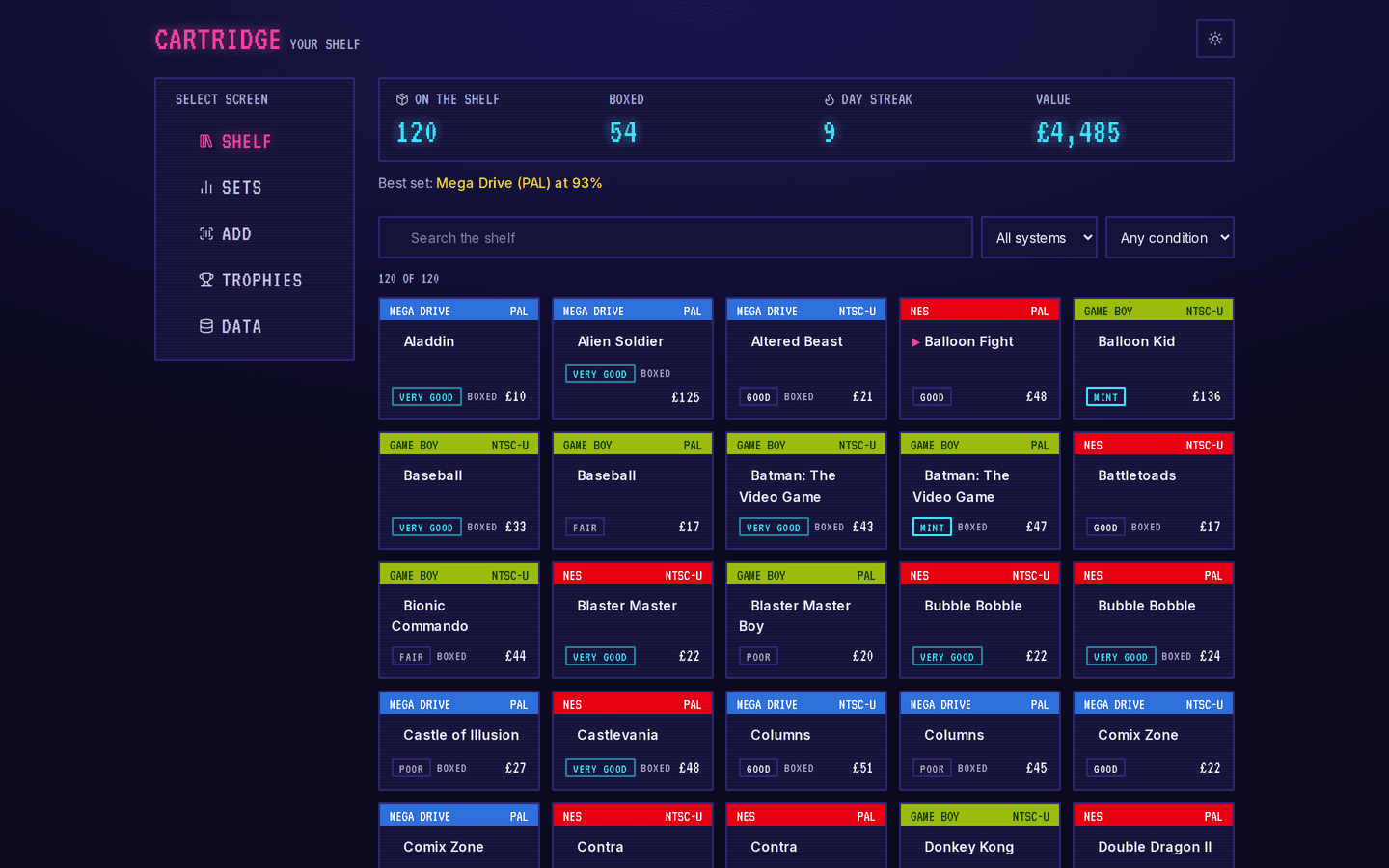
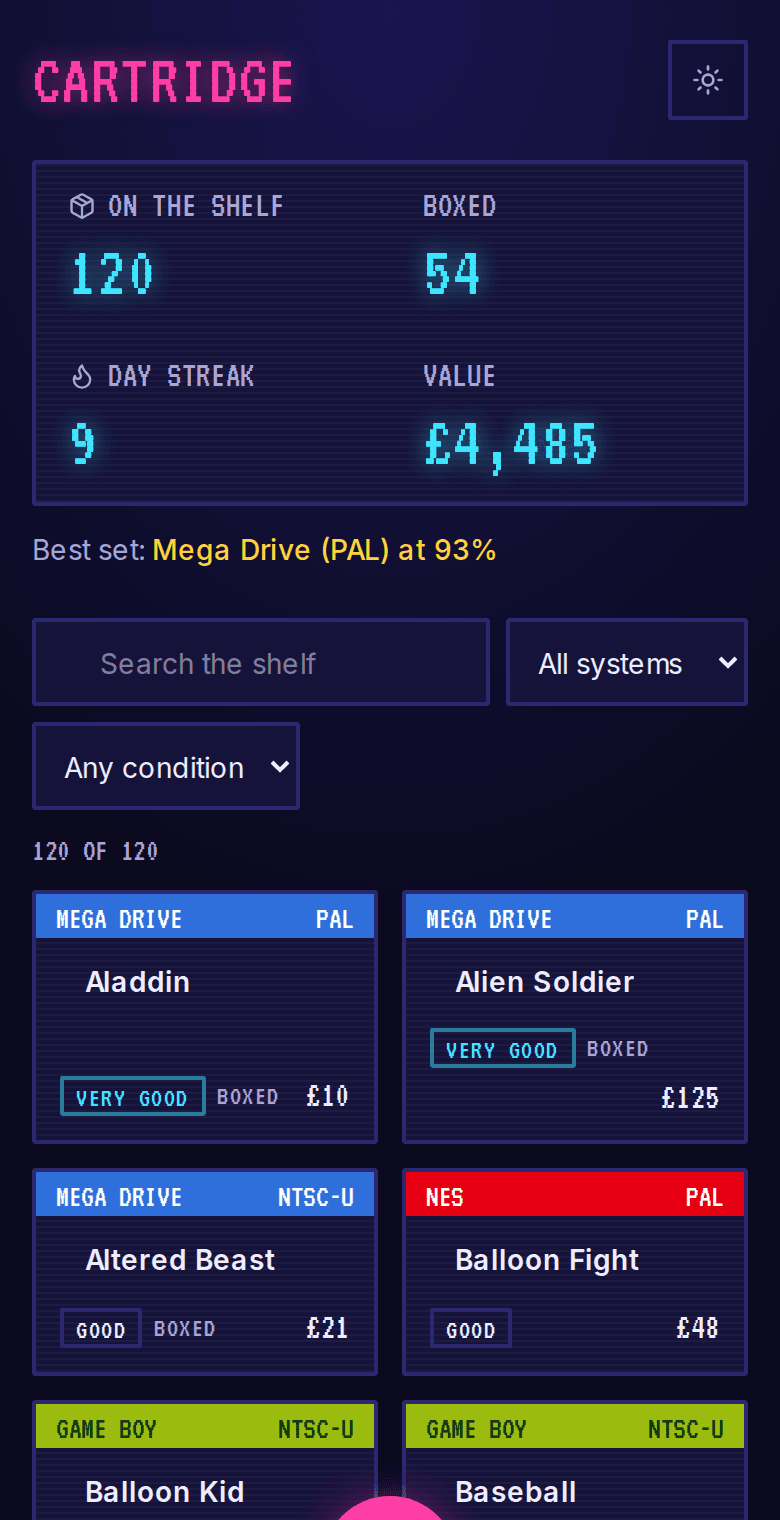
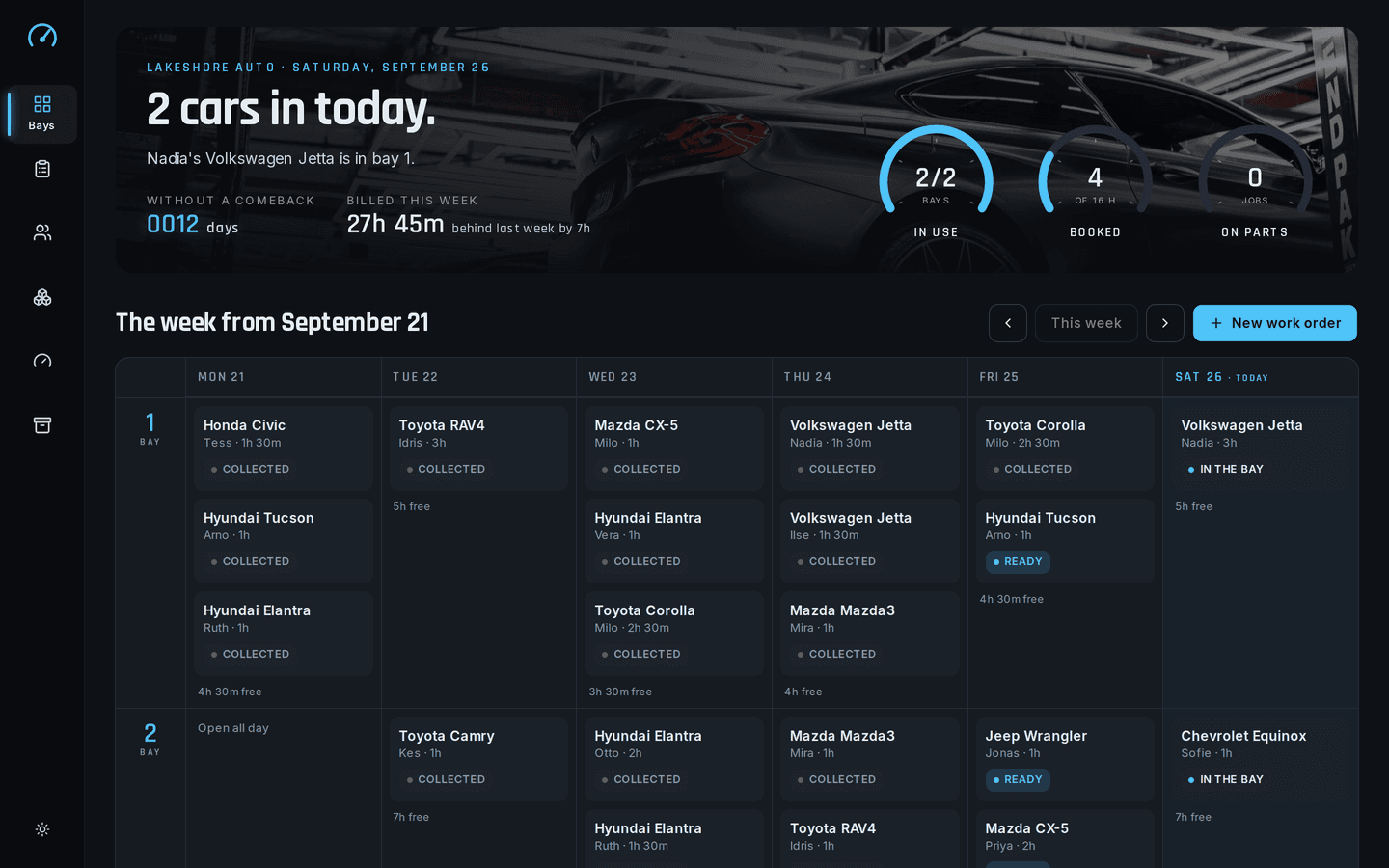
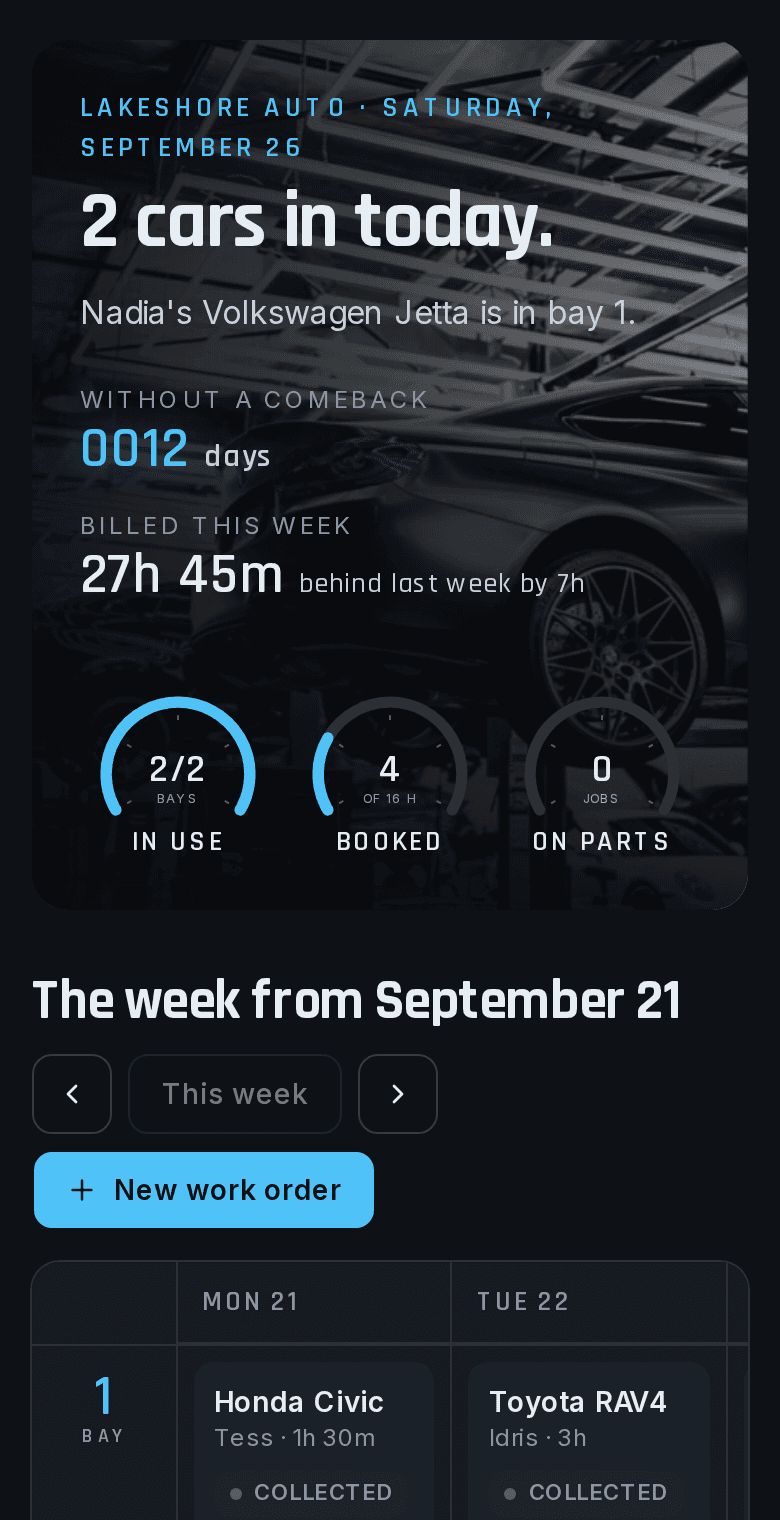
Working demos
Which demos run on one computer?
Both work with no connection at all. Open one, turn off your wifi, and keep using it.
How it works
What happens after you get in touch?
Five steps. You know the price before any work starts.
- First
A free 30-minute call
You walk us through how the work moves today: who does what, where it gets stuck, and what gets written down twice.
- A few days later
A written scope and a fixed price
Every screen, what it does and what it doesn't, with a price and a finish date. Nothing is billed until you accept it.
- From two weeks
The build
You can open it and try it while it's being built. Small corrections happen as we go. Anything bigger gets a revised quote before we do it.
- Launch week
Setup with your data
We import your records, add your people and show them how it works. In person around Greater Sudbury, or over a screen share anywhere else.
- After launch
30 days of free fixes
For 30 days after handover, fixes and small changes cost nothing. After that there's an optional monthly support plan.
Turnaround is two weeks at the least. That's for the simplest premade setup. Most projects take longer, and the scope gives you the real date.
Questions
What else do people ask?
Can more than one person use it?
One computer, one set of records. If several people need it at once, or from different places, a cloud build is the better fit.
What if the computer dies?
Install the app on the new one and copy your backup file across. Everything is back as it was when you last copied it.
Does it need updates?
No. It keeps running as it is. If you want changes later, we make them and you install the new version.
Which computers does it run on?
A normal Windows or Mac computer you already have. We install it in person or over a screen share.
Start here
What would you run on it?
Tell us what you track today and who uses it. We'll tell you if one computer is enough.
A reply within two business days. If it looks like a fit, we book a free 30-minute call, then send a written scope and a fixed price.